
A good real estate flyer lets buyers grasp the offer and next step in seconds.
What you’ll create
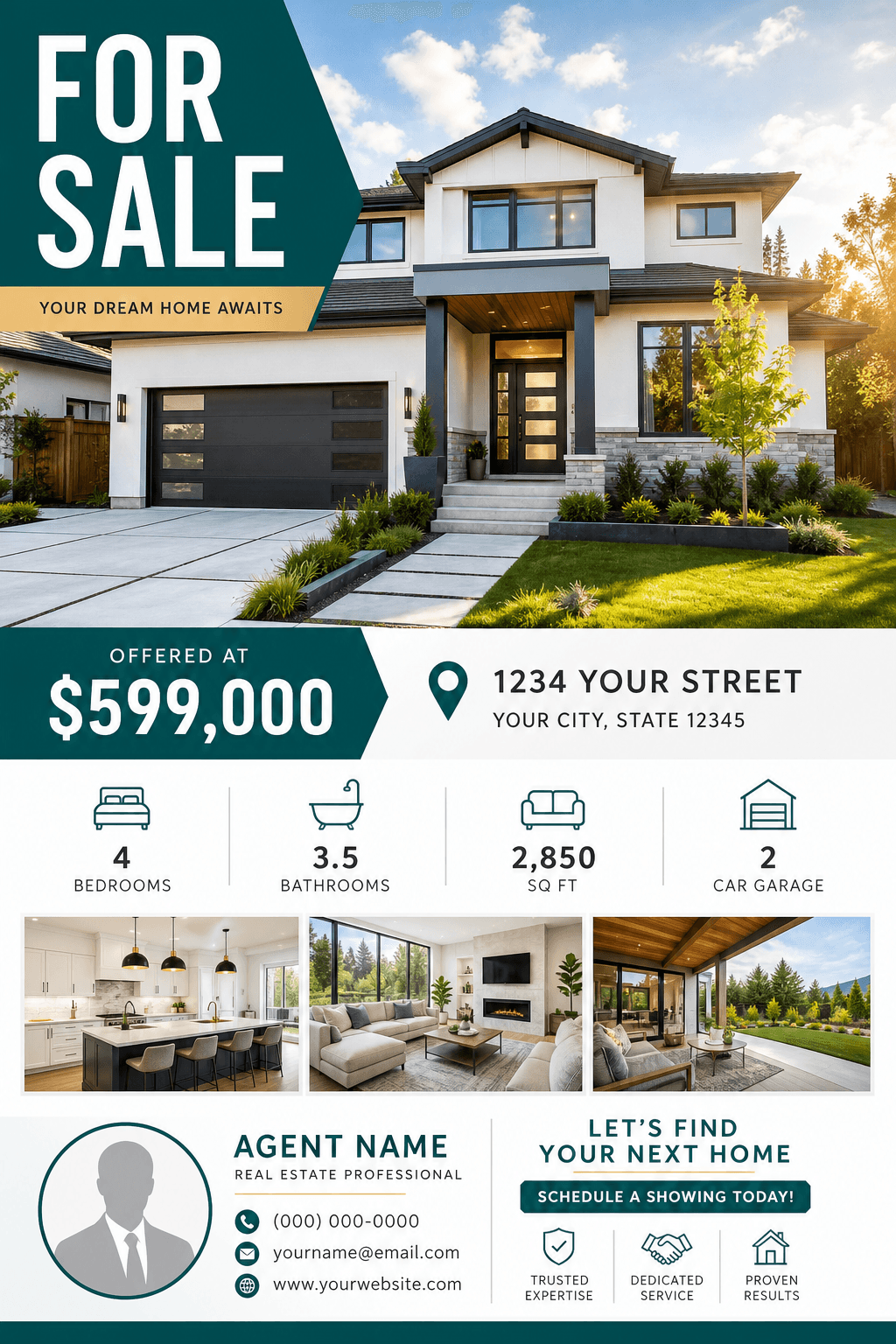
Your flyer will include:
- HeadlineA clear listing or event message.
- PricePresented prominently when relevant.
- LocationFull address or neighborhood highlight.
- Key featuresBedrooms, bathrooms, size, and highlights.
- PhotosOne dominant image with supporting views.
- Agent info + CTAContact details and one clear next action.
Before you start
Gather the details buyers need
The more specific the brief, the more accurate the generated layout and copy will be.
Accuracy matters. AI should not invent property facts, claims, disclosures, or contact details.
Choose the campaign
Match the layout to the job
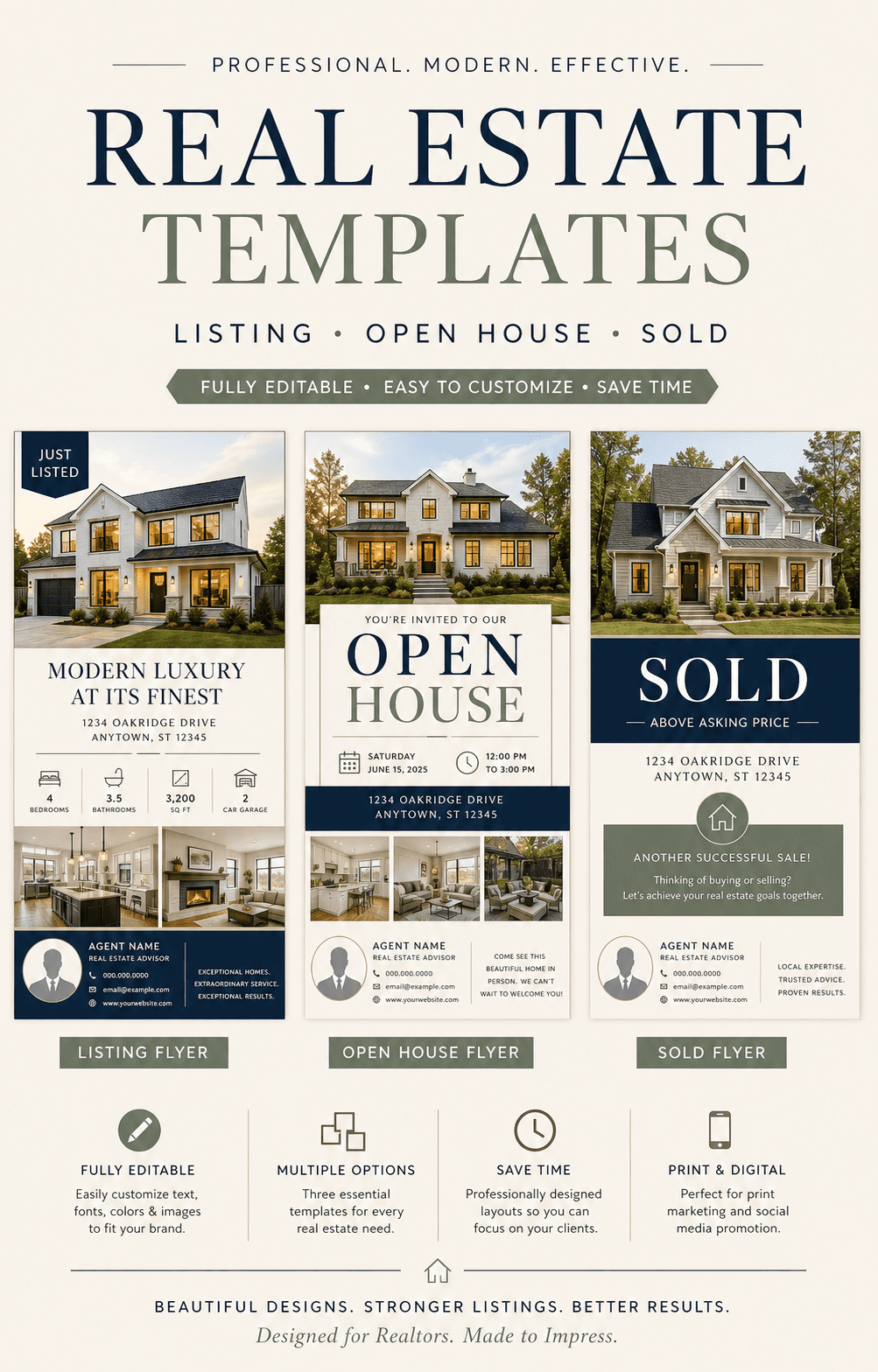
A listing launch, an open house, and an agent campaign need different reading priorities.
Write the copy in reading order
Draft the text as a short stack before thinking about colors: headline, supporting line, key facts, and call to action. This makes the intended reading order explicit instead of asking the AI to arrange a paragraph.
Keep the headline to one idea and the feature list to three to five points. Move secondary details into the footer so they do not compete with the property or event message.
- Headline
- Supporting line
- Key facts
- Call to action
- Contact footer
Build the layout around one dominant photo
Choose the image that best supports the campaign: an exterior for curb appeal, an interior for a standout feature, or an agent portrait for a service promotion. Ask for a crop that preserves the building and leaves a quiet area for text.
Separate the design into clear zones for the hero image, main message, facts, and contact block. Avoid placing copy over busy architecture or squeezing several equal-size photos into the top half.
- Hero image
- Message zone
- Facts block
- Contact footer
Revise the draft in two passes
Use the first revision pass for composition: crop, spacing, visual priority, and contrast. Do not spend time polishing colors while the headline or event details are still hard to find.
Use the second pass for typography and exact copy. Request specific replacements instead of regenerating the whole concept, then move to the final checklist.
Copy and customize
Real estate flyer prompt examples
Use these as layout briefs, then replace every fact and image with approved listing material.
Just-listed property
Create a modern just-listed real estate flyer for a bright three-bedroom home in Austin. Use the supplied exterior photo as the hero image. Make the price and neighborhood prominent, show four verified feature bullets, place the agent contact block at the bottom, and use a clear Schedule a tour CTA. Clean navy and warm white palette, 4:5 social format.
Weekend open house
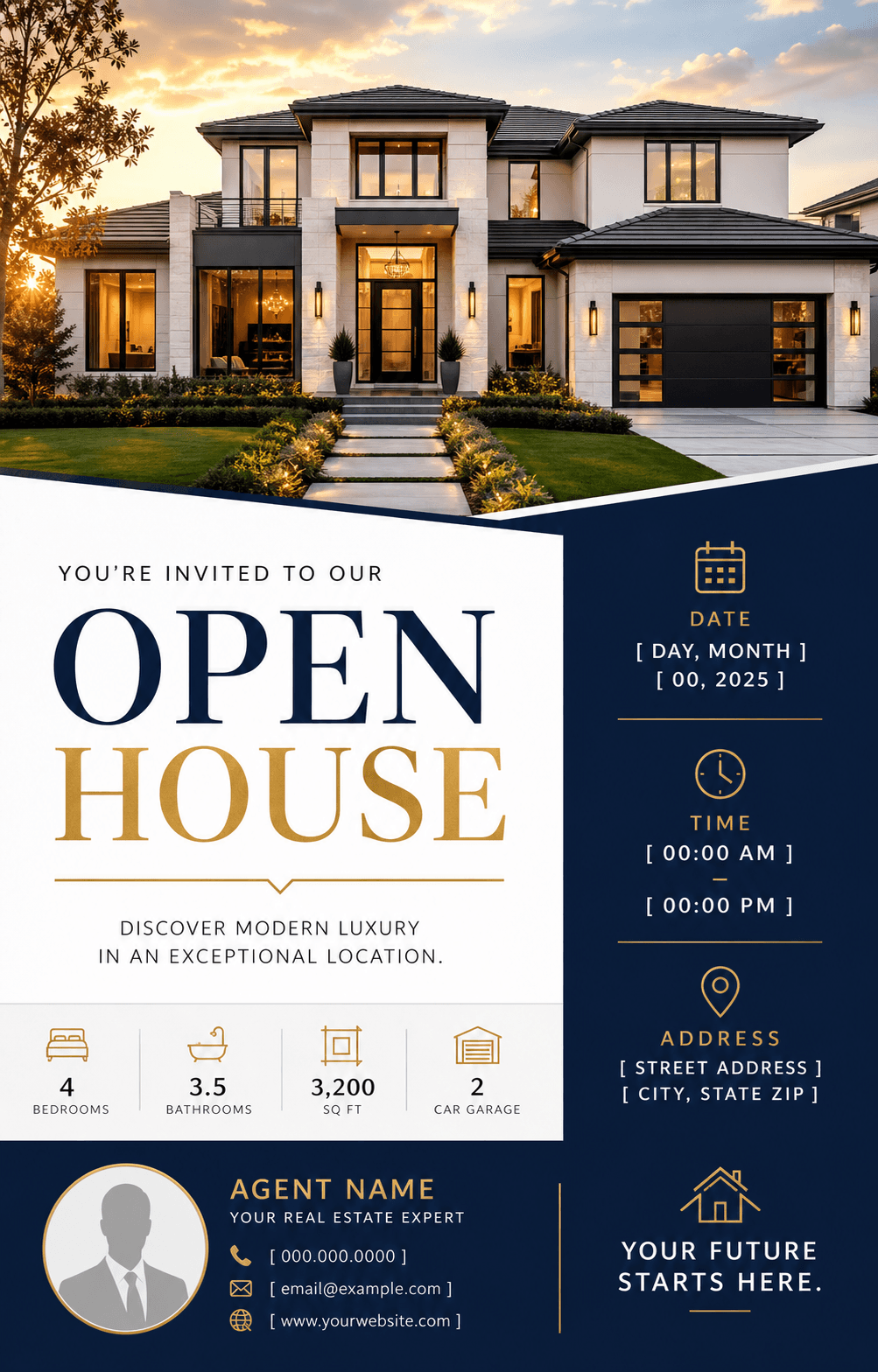
Create an open house flyer using the supplied property photo. Prioritize OPEN HOUSE, Saturday date, 12–3 PM, and the address area. Add three property highlights, agent name, phone, and QR-code space. Use elegant high-contrast typography with a warm, welcoming look in letter-size portrait format.
Real estate agent promotion
Create a real estate agent flyer for homeowners considering a sale. Include agent portrait space, local market expertise, three concise proof points, phone and website, and a Book a listing consultation CTA. Use a trustworthy editorial layout, restrained green and cream palette, and 4:5 social format.
Format Plan
Choose the size before styling
| Format | Size or ratio | Best for |
|---|---|---|
| US Letter | 8.5 × 11 in | Print handouts, property packets, and window displays |
| Portrait feed | 4:5 | Instagram and Facebook listing posts |
| Story | 9:16 | Open house reminders and vertical social posts |
| Square | 1:1 | Compact listing announcements and profile grids |
For print, confirm dimensions, bleed, color, resolution, and file format with the printer.
Before you publish
Real estate flyer checklist
- All property facts match the source listing
- The headline, price, or event time reads first
- The main photo is approved and not distorted
- The call to action is specific and usable
- Text remains readable at the final size
- Local disclosure and advertising requirements are met
Frequently asked questions
Real estate flyer FAQ
How much text should a real estate flyer have?
Keep the visible copy compact: one headline, one supporting line, essential features, the relevant event or listing facts, and a short contact block.
Should a real estate flyer show the full address?
Use the full address when it is appropriate for a public listing or open house. For coming-soon campaigns, private showings, or properties with privacy concerns, follow the seller's instructions, brokerage policy, and local rules.
Can I replace text after the AI creates the flyer?
Yes. Ask for an exact replacement and identify the text block that should change. Small, specific edits are more predictable than regenerating the entire design.
Do print and social flyers need separate files?
Usually. A print handout can carry more detail, while a feed post or Story needs larger type and fewer facts. Create each version from the same approved copy instead of cropping one finished layout.
Can I use my own property photos?
Yes. Use photos you own or have permission to publish, tell the AI which image should be dominant, and review the result for distorted architecture or misleading property details.
Keep exploring
Related flyer resources
From brief to finished flyer
Create your real estate flyer in Vismuse
Start with a prompt, then refine the layout and exact copy in chat.