
Photo to video
Fergie Baby AI Video Generator
Make a Fergie Baby AI dance video from one photo. Keep your own look while performing the forward strut, shoulder groove and park-path footwork.
Pick an effect
All 92 effects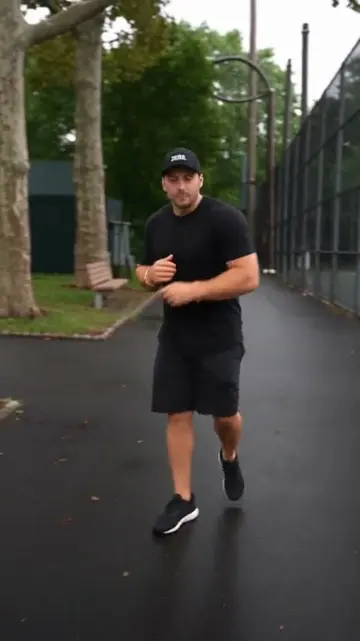 Fergie Baby AI
 Burning Bridges
 Bulin 47
 Hotel Lobby
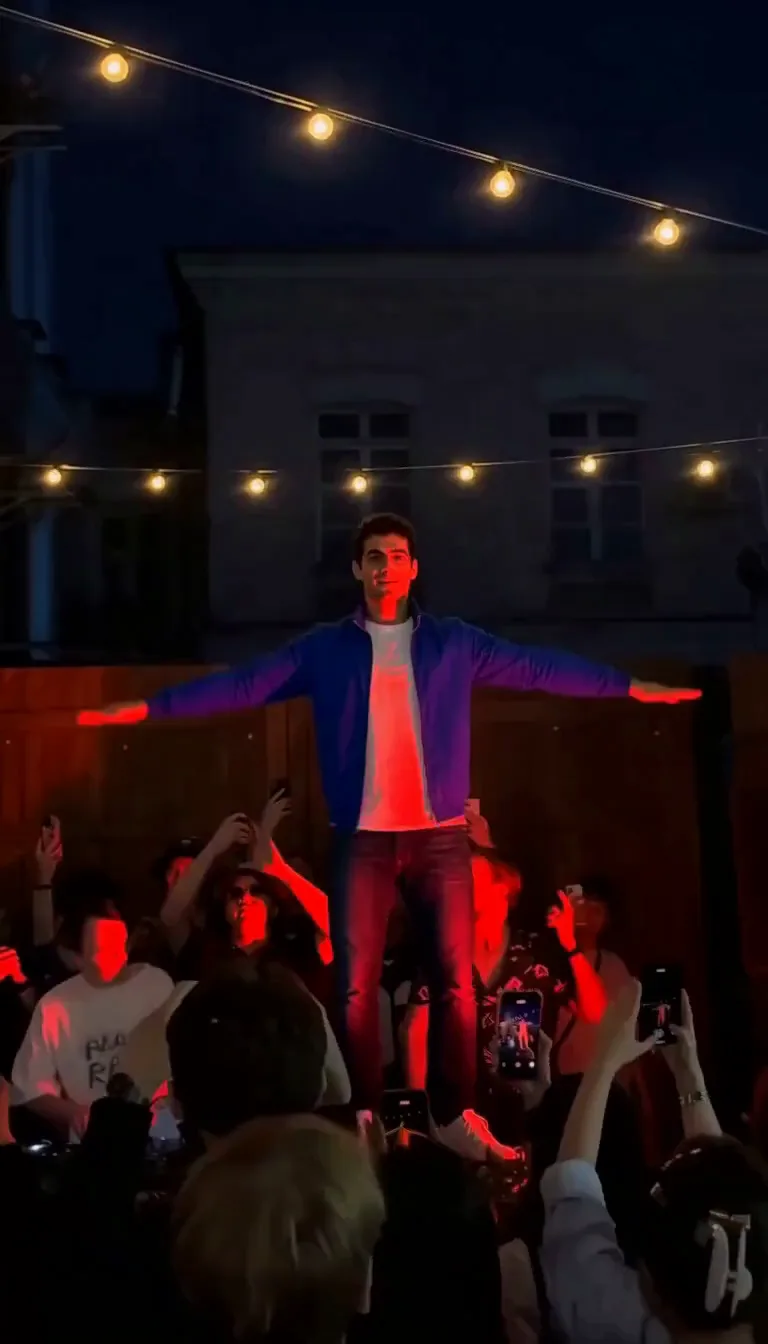 Cheba Man
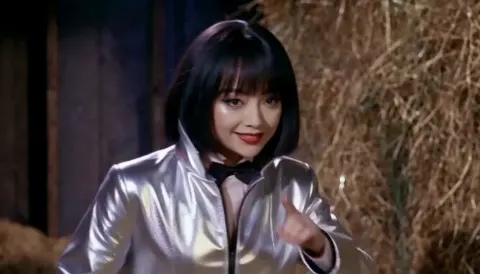 Rumpelstiltskin
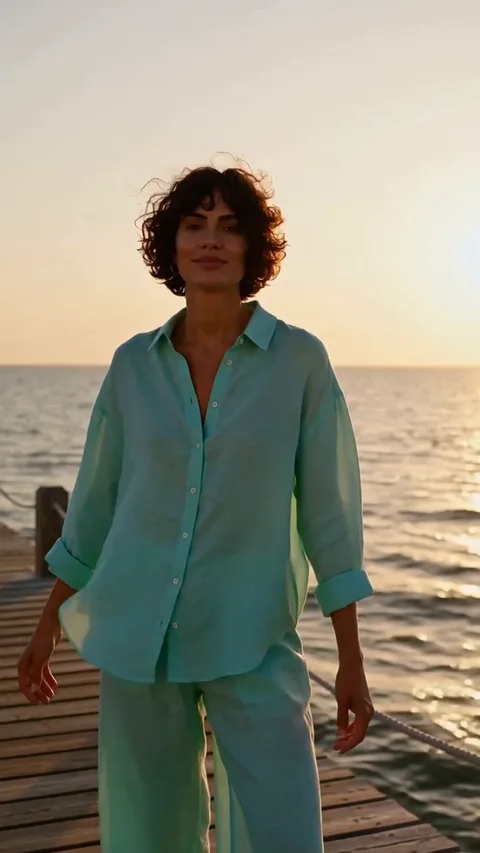 Raindance
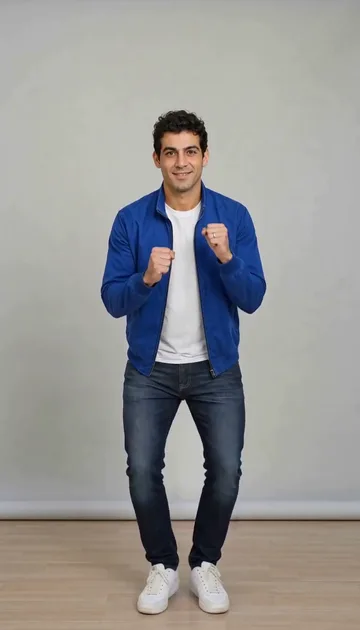 Toc Toc
 Ozil Goal
 Zombie Video
 Zombie Couple
 STORM II
 Alors On Danse
 Hit The Road Dude
 Gas Station Dance
 Smalltown Boy
 AI Crying
 Camden Bop
 Bad Times
 AI Dog Dancing
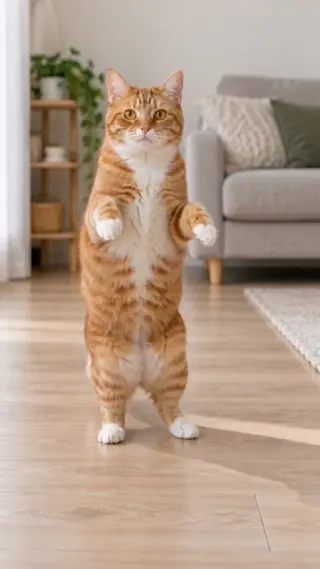 AI Cat Dance
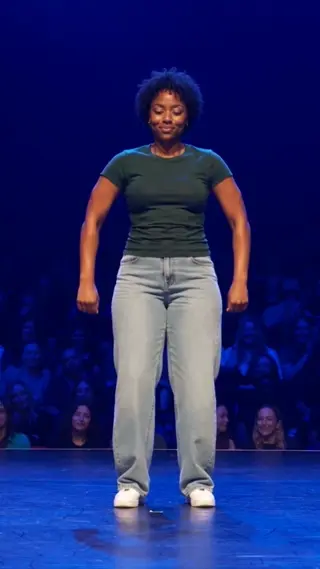 Jean Phil Gang Gang
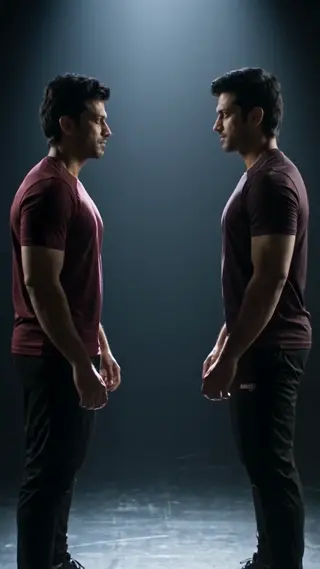 Your Next Opponent Is You
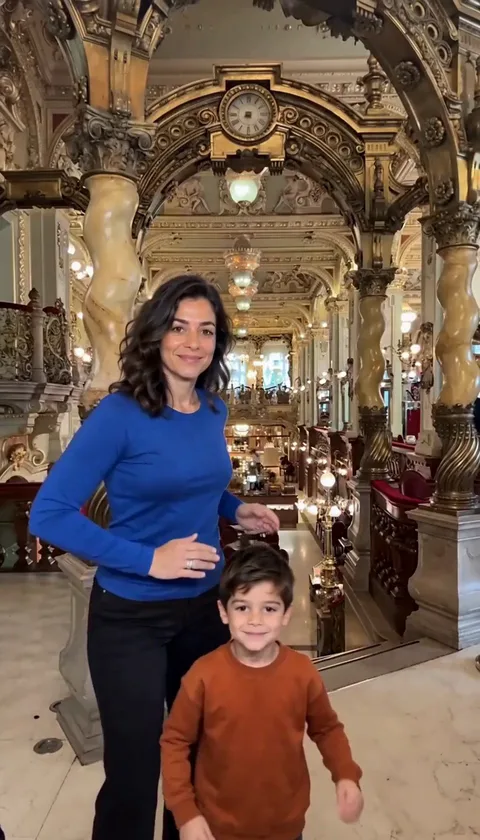 Mi Chico
 Michael Jackson Dance
 AI Kissing
 NEON Dance AI
 Vampire Duo Dance AI
 You Look Lonely AI
 Enzo Fernandez Celebration AI
 Champagne Birthday AI
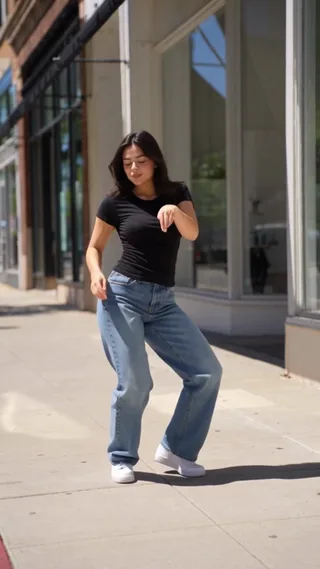 Babydoll Dance AI
 Spooky Scary Skeletons AI
 Thriller Dance AI
 Lush Life Dance AI
 Charme Dance AI
 Babydoll Dance Pet AI
 Juju On That Beat AI
 Otsukare Summer AI
 Ramalama AI
 AI Halloween Costume
 Singing Dog AI
 What Stop Sign AI
 KATSEYE Animal AI
 Closed on Sunday AI
 Twilight Baseball AI
 I Put My Heart in This AI
 Gangnam Style AI
 Jailer 2 AI
 Ain’t No Mountain High Enough AI
 No Scrubs AI
 C-Walk AI
 AI Cartoon Couple
 Walk It Like I Talk It AI
 APT Dance AI
 No Renunciaré AI
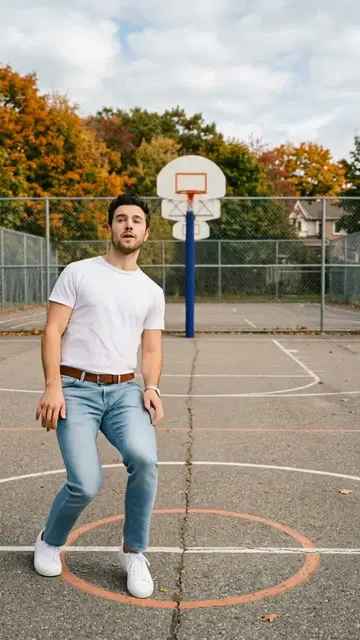 Keep On Steppin AI
 Thank You Baby AI
 Money Flex AI
 I'm Gonna TOESA AI
 That's My Dawg AI
 Kung Fu Cat AI
 Not Cute Anymore AI
 Rasputin Dance AI
 Can Can Dance AI
 Chicken Dance AI
 Bécane AI
 Toosie Slide AI
 Tyla Dance AI
 ATEEZ BAD AI
 Potion Witch AI
 Coldplay Kiss Cam AI
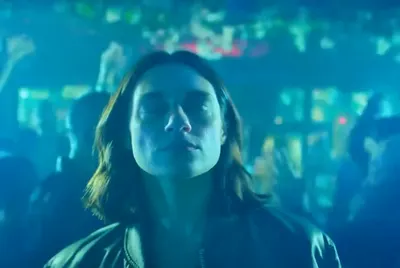 Turn The Lights Off AI
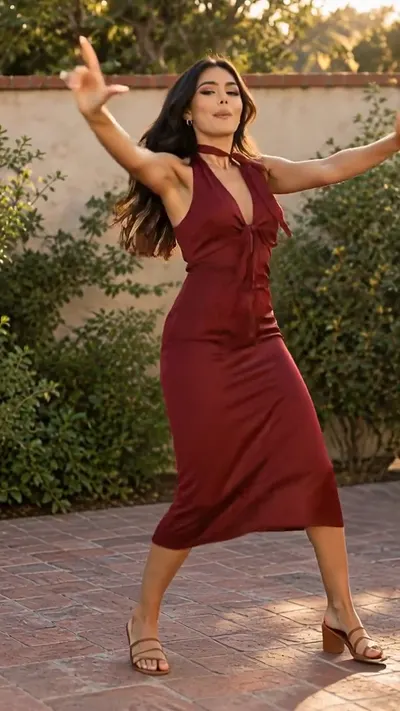 I Got That Feeling AI
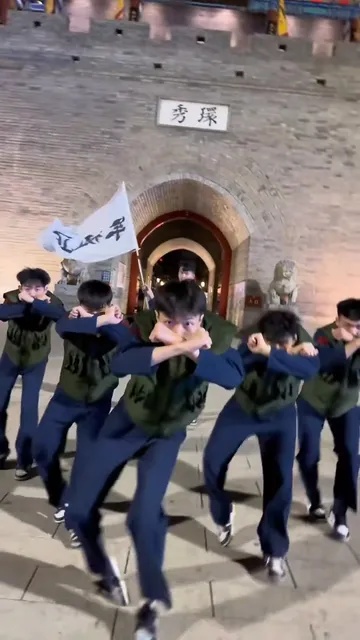 Naruto Dance AI
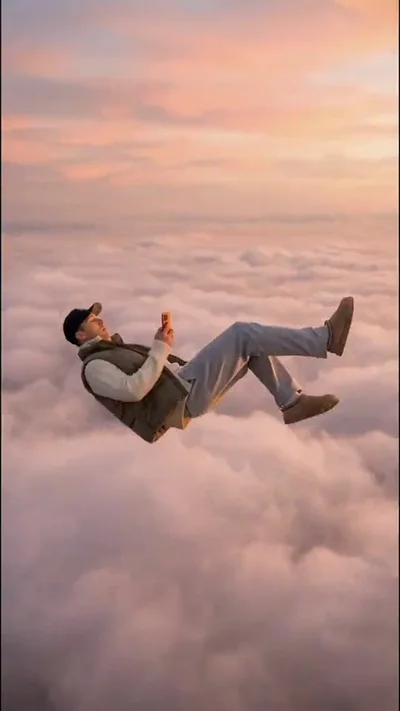 Skyfall AI
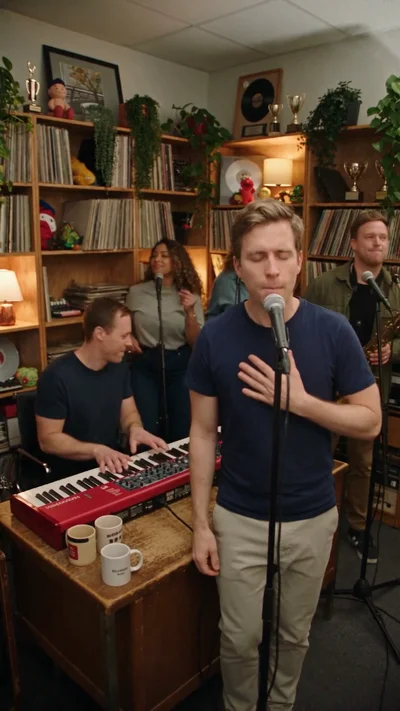 Tiny Desk AI
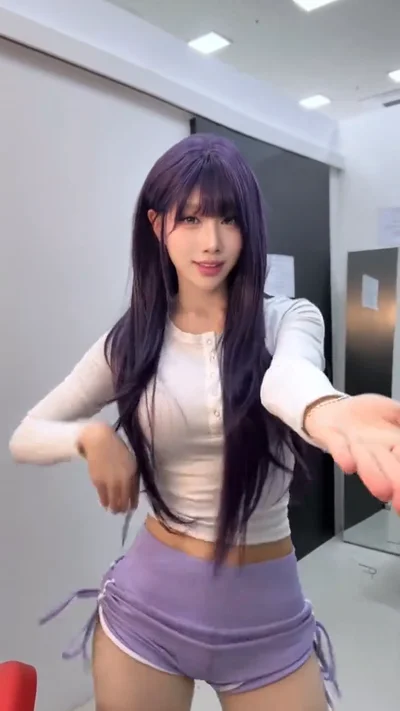 Macarena Dance AI
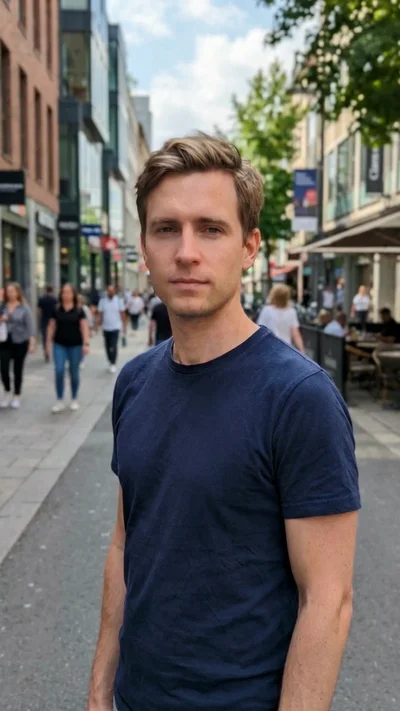 Gender Swap Filter AI
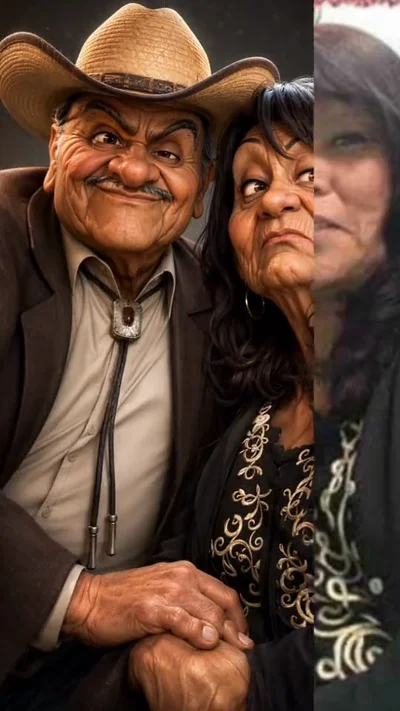 AI Caricature Trend
 Uptown Funk AI
 Deep Down In My Heart AI
 Venom Makeup AI
 Baby With Mustache AI
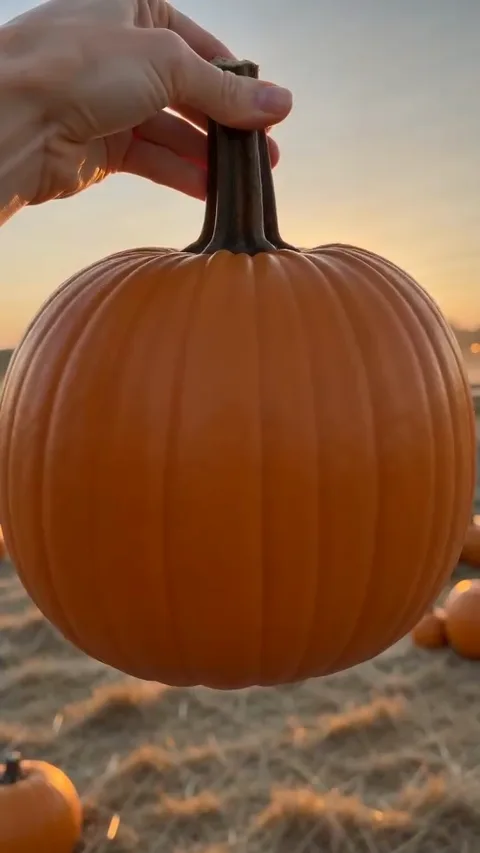 Pumpkin Head AI
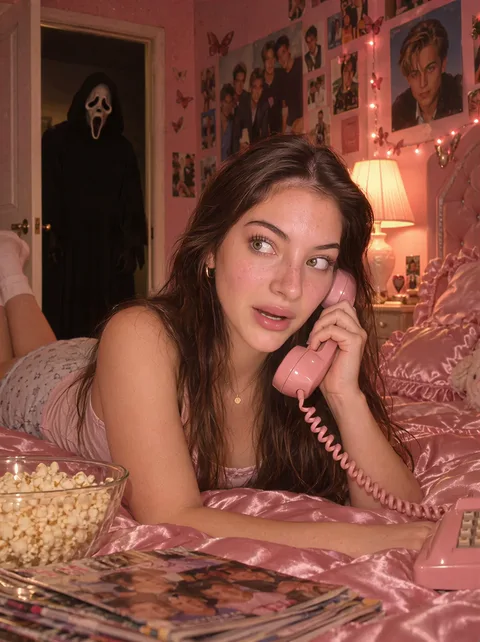 Ghostface AI Trend
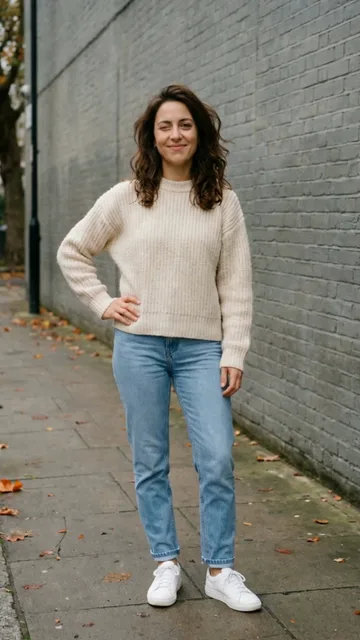 Mandem in Disguise AI
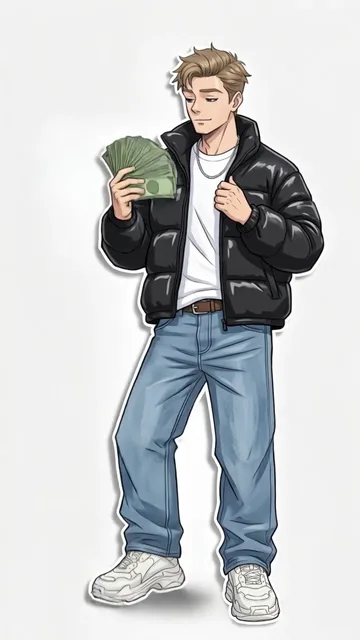 Wassup in a Minute AI
 Puerto Rican Mami Dance AI
 Bing Bing Bing Kicking AI
 Window Dance AI
 BbY WOW AI
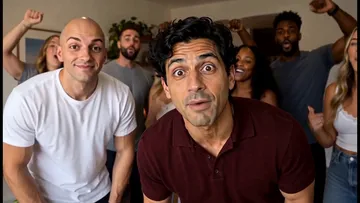 Check One Check Two AI
Paid credits required. Review the displayed cost before generating.
What is Fergie Baby AI?
The Fergie Baby dance is a forward-moving walking routine: a confident strut, loose shoulders, swinging arms and rhythmic changes of weight. The camera moves back as the dancer approaches, keeping the steps and body language readable. This template puts the adult in your photo into a 15-second excerpt of that routine. Here Fergie Baby refers to the walking-dance format, not a baby generator or a portrait of the singer’s family.
How your photo becomes the scene
An included 15-second movement excerpt guides the forward steps, alternating arm accents and camera tracking. Your photo supplies the dancer’s identity and outfit. The default setting is a paved park path beside a sports-court fence. The reference is prepared automatically, so you do not need to find or upload a dance video.
Make your Fergie Baby video
- 01
Upload one clear photo
Choose one well-lit photo of one adult standing, from head to feet. Leave room around both arms and show the shoes clearly: the routine depends on grounded stepping and weight shifts. Face the camera, avoid motion blur, and keep other people out of the photo. Your clothing and hairstyle guide the dancer’s appearance.
- 02
Add a focused instruction
Leave instructions empty to use the prepared park-path dance, or request a change to the location, lighting or outfit. For example: “Keep my white sneakers and move the dance to a sunny courtyard.” Keep the walking dance in the request if you want to preserve the reference action.
- 03
Generate, review and download
Review the displayed credit cost before submitting. The template creates one 15-second vertical 9:16 MP4. Check the face, hands, movement and audio after generation, then download the result. You can request a revision in the same conversation; each new completed generation uses credits.
Choose the right photo
Choose one well-lit photo of one adult standing, from head to feet. Leave room around both arms and show the shoes clearly: the routine depends on grounded stepping and weight shifts. Face the camera, avoid motion blur, and keep other people out of the photo. Your clothing and hairstyle guide the dancer’s appearance.
Fergie Baby questions
How many photos do I need?
Upload one full-body photo of one adult. There is one featured dancer, so no second photo or partner is needed. A photo that clearly shows both feet gives the model more information for the walking steps.
Do I need to upload the original video?
An included 15-second movement excerpt guides the forward steps, alternating arm accents and camera tracking. Your photo supplies the dancer’s identity and outfit. The default setting is a paved park path beside a sports-court fence. The reference is prepared automatically, so you do not need to find or upload a dance video.
Does the result include audio?
The matching 15-second source audio is added after video generation when sound is enabled, replacing any model-produced sound. If you request a silent version, the final export omits the soundtrack. Mouth timing and movement are AI-generated and may not align perfectly.
How long is the video?
This template makes a 15-second vertical 9:16 MP4. The reference preview shows a longer routine; generation uses the first 15-second excerpt. It does not create the entire preview.
Can I change the background or outfit?
Yes. Add a focused instruction with your photo, or ask for a revision in the same conversation. Your photo defines the featured person, and the prepared motion reference guides the scene. Large changes can reduce action fidelity; check the result before sharing. Exact likeness, choreography and lip synchronization are not guaranteed.
Make your Fergie Baby video
Choose one well-lit photo of one adult standing, from head to feet. Leave room around both arms and show the shoes clearly: the routine depends on grounded stepping and weight shifts. Face the camera, avoid motion blur, and keep other people out of the photo. Your clothing and hairstyle guide the dancer’s appearance.
Make your Fergie Baby video