
Gangnam Style AI Video Generator: Your Three-Person Cast
Turn three photos into a 15-second Gangnam Style AI video. Put yourself and two friends into the rotating selfie performance, with a close-up for each person and the matching trend audio. Add a short request to change the setting or outfits.
Pick an effect
All 92 effects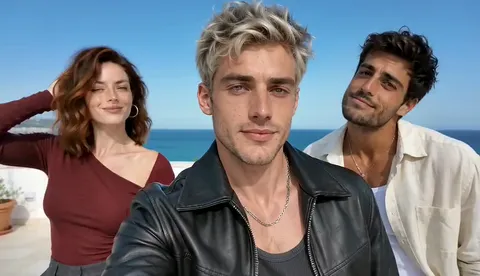 Gangnam Style AI
 Burning Bridges
 Bulin 47
 Hotel Lobby
 Cheba Man
 Rumpelstiltskin
 Raindance
 Toc Toc
 Ozil Goal
 Zombie Video
 Zombie Couple
 STORM II
 Alors On Danse
 Hit The Road Dude
 Gas Station Dance
 Smalltown Boy
 AI Crying
 Camden Bop
 Bad Times
 AI Dog Dancing
 AI Cat Dance
 Jean Phil Gang Gang
 Your Next Opponent Is You
 Mi Chico
 Michael Jackson Dance
 AI Kissing
 NEON Dance AI
 Vampire Duo Dance AI
 You Look Lonely AI
 Enzo Fernandez Celebration AI
 Champagne Birthday AI
 Babydoll Dance AI
 Spooky Scary Skeletons AI
 Thriller Dance AI
 Lush Life Dance AI
 Charme Dance AI
 Babydoll Dance Pet AI
 Juju On That Beat AI
 Otsukare Summer AI
 Ramalama AI
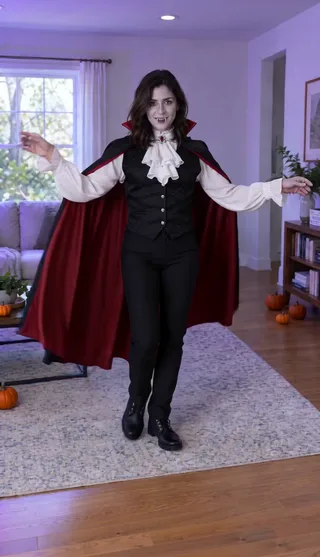 AI Halloween Costume
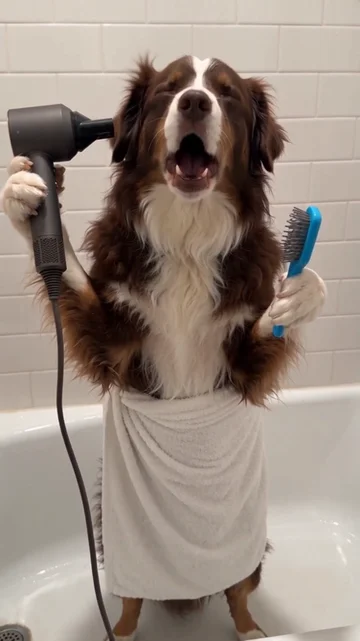 Singing Dog AI
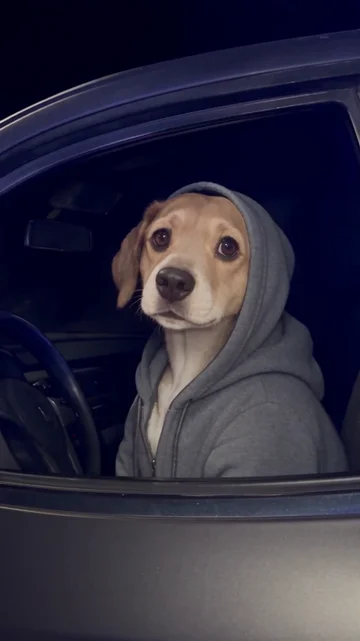 What Stop Sign AI
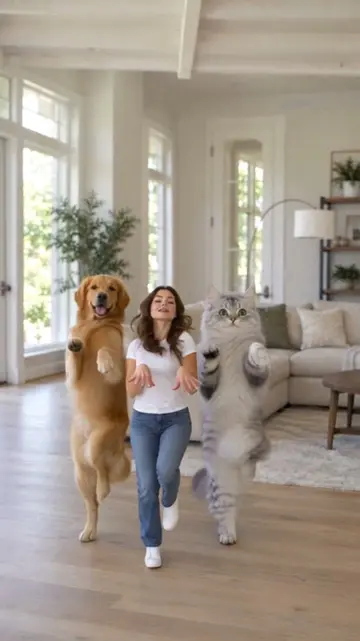 KATSEYE Animal AI
 Closed on Sunday AI
 Twilight Baseball AI
 I Put My Heart in This AI
 Fergie Baby AI
 Jailer 2 AI
 Ain’t No Mountain High Enough AI
 No Scrubs AI
 C-Walk AI
 AI Cartoon Couple
 Walk It Like I Talk It AI
 APT Dance AI
 No Renunciaré AI
 Keep On Steppin AI
 Thank You Baby AI
 Money Flex AI
 I'm Gonna TOESA AI
 That's My Dawg AI
 Kung Fu Cat AI
 Not Cute Anymore AI
 Rasputin Dance AI
 Can Can Dance AI
 Chicken Dance AI
 Bécane AI
 Toosie Slide AI
 Tyla Dance AI
 ATEEZ BAD AI
 Potion Witch AI
 Coldplay Kiss Cam AI
 Turn The Lights Off AI
 I Got That Feeling AI
 Naruto Dance AI
 Skyfall AI
 Tiny Desk AI
 Macarena Dance AI
 Gender Swap Filter AI
 AI Caricature Trend
 Uptown Funk AI
 Deep Down In My Heart AI
 Venom Makeup AI
 Baby With Mustache AI
 Pumpkin Head AI
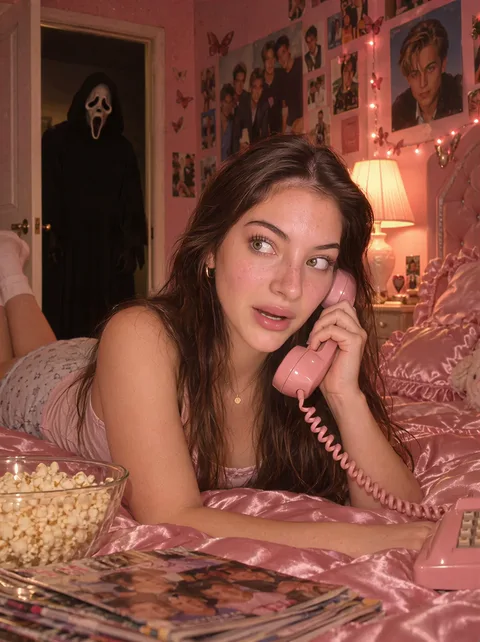 Ghostface AI Trend
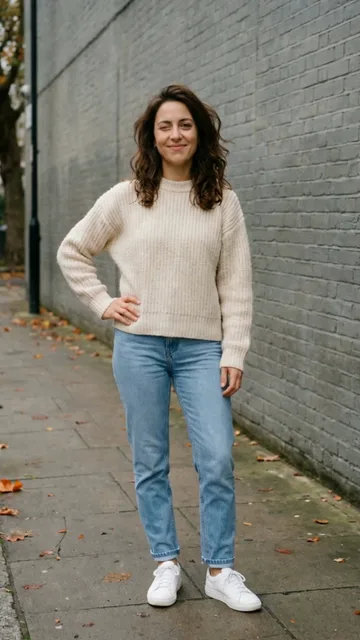 Mandem in Disguise AI
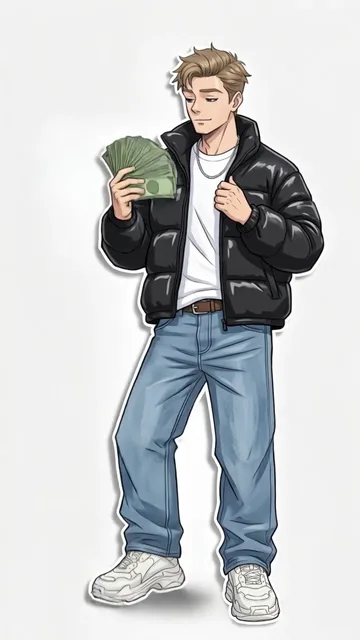 Wassup in a Minute AI
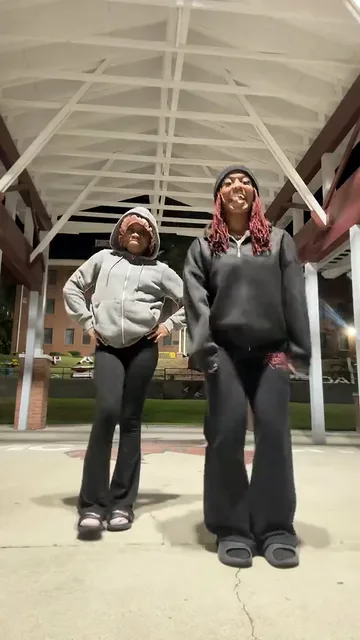 Puerto Rican Mami Dance AI
 Bing Bing Bing Kicking AI
 Window Dance AI
 BbY WOW AI
 Check One Check Two AI
Paid credits required. Check the cost before generating.
Three portraits. One new trio.
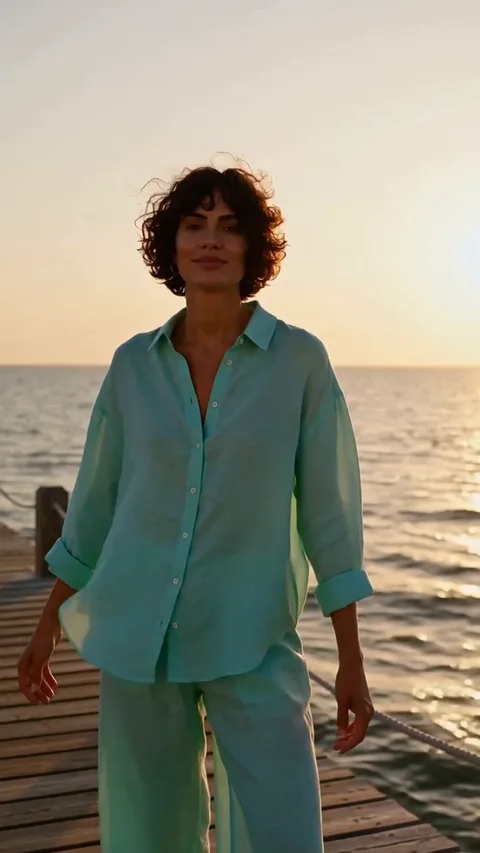
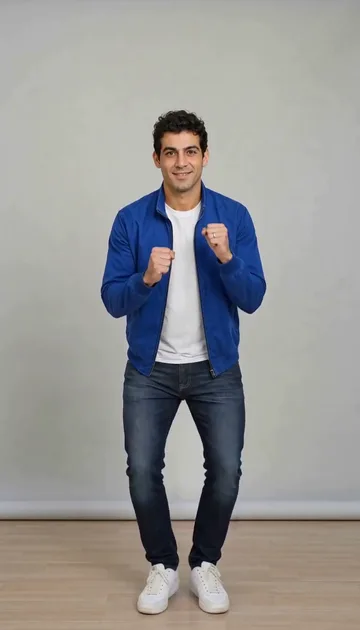
These are the input portraits used for the example above. Upload one separate photo per adult, in this order: center, left, right. Left and right refer to the opening group shot as you see it. The center person leads the opening and returns at the end; each side performer gets a solo close-up.
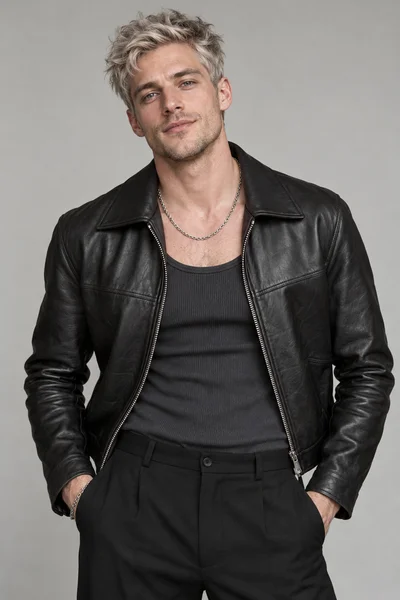
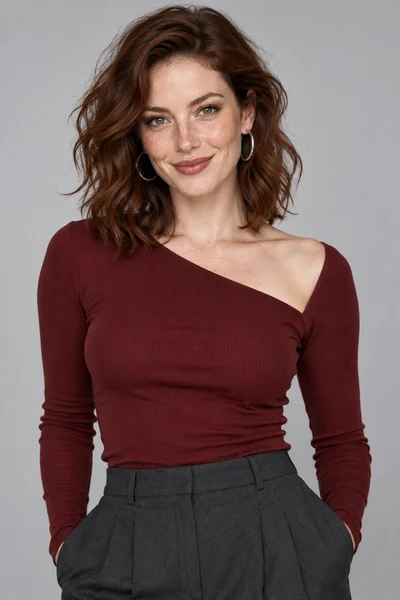
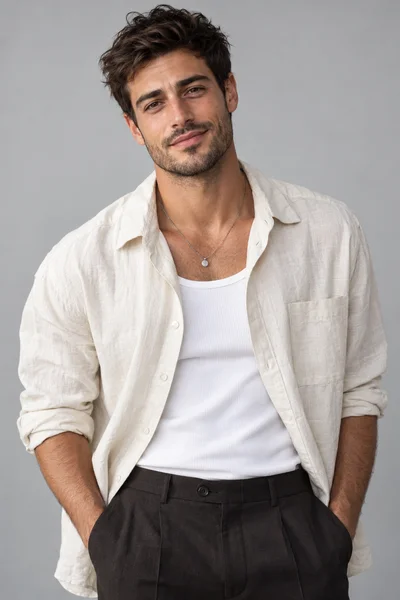
The camera hands the performance to each person
Group opening → center close-up
Camera swings to the left performer
Right performer takes the next solo
Return to the center lead
Keep the performance. Choose a different setting.
The built-in reference guides the gestures, close-ups and camera handoffs. Your photos define the cast. Leave instructions empty for the default sunny seaside rooftop, or explicitly request a new background, lighting or outfit. Describe the visual change and ask to retain the role order and performance. A 16:9 clip keeps the original wide composition; crop separately if you need a vertical post.
What does the Gangnam Style AI video look like?
The Gangnam Style AI trio format is a short, playful selfie performance: a group opening, expressive close-ups, quick camera handoffs and a return to the lead. This page follows the three-person singing format rather than the horse-riding dance. Use it for a friends’ group chat, a birthday surprise or a shared travel memory. You supply three portraits; the included reference guides the performance, so no filming or movement video upload is needed.
How your photo becomes the performance
The included reference guides the singing gestures, shot changes and camera rhythm. Your photos supply the faces, hairstyles and clothing. Upload the centre lead first, the person on the viewer’s left second, and the person on the viewer’s right third. Each keeps a separate role across the group and solo views; you do not upload a video.
Make your Gangnam Style AI video
- 01
Add your photos
Add the centre lead, left performer and right performer in that order. Check that each upload shows only the intended adult.
- 02
Personalize the scene
Keep the sunny seaside rooftop default, or request a different setting, lighting or outfit. Keep the original camera movement and actions.
- 03
Generate and download
Check the displayed credit cost, generate and review the 15-second 16:9 MP4. Watch each solo for identity, expression and mouth timing before downloading.
Photo tips for this template
Use three separate, evenly lit portraits with one adult in each. Show the eyes, mouth, hairstyle and some clothing. Avoid group photos, covered faces and strong appearance filters; a readable expression matters more here than a full-body pose.
Is this the video trend you are looking for?
Looking for the Gangnam Style AI filter with three friends singing to the camera? This is the rotating selfie trio format. Keep its actions and camera handoffs while changing the cast, outfits and scenery. It is a short performance rather than the horse-riding choreography or a full-length music video.
Optional instruction example
Use a sunny Mediterranean seaside rooftop with white walls and turquoise water. Keep each person's uploaded face, hairstyle and outfit. Preserve the original camera movement, gestures and center-left-right-center solo order.
Questions about this video
How many photos do I need?
Three separate adult photos: centre lead first, viewer’s left second, viewer’s right third. One group photo does not replace the three uploads.
Do I need to upload a reference video?
No. The scene and movement are already included. Upload the required photos and add optional instructions.
Does the video include sound?
The matching soundtrack is added when sound is enabled. Request a silent video to leave it out.
How long is the video?
The output is a 15-second landscape 16:9 video. The wider frame leaves room for the trio and their individual close-ups.
Can I change the outfit or background?
Yes. Add a short instruction about clothing, lighting or the setting. Keep the assigned photo roles for the selected scene.
Is this a CapCut template or a face-swap filter?
This is AI video generation from your photos and an included performance reference. You do not need to find a CapCut template or film the movements yourself. It generates new footage, so faces, motion and scenery can vary between results.
Is it free, and how long will generation take?
Generation requires paid credits. Review the displayed cost before submitting. Processing time depends on the provider queue; there is no guaranteed completion time. Check the task card for progress.
What should I check before sharing?
Watch every solo for the correct person, consistent clothing, natural hands and mouth timing. Check the background through fast camera moves. Use photos of adults who agreed to appear, and avoid treating generated footage as a real recording.
Make your Gangnam Style AI video
Add the centre lead, left performer and right performer in that order. Check that each upload shows only the intended adult.
Make your Gangnam Style AI video