
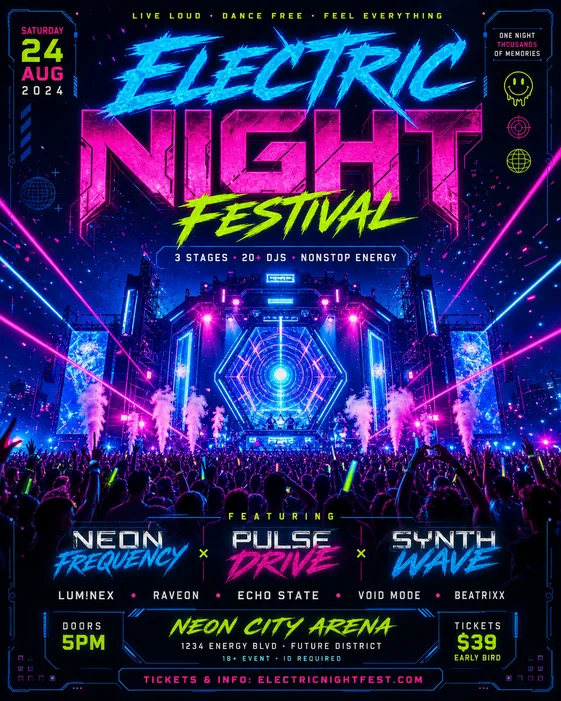
Choose the birthday flyer format
Start by deciding whether the flyer is for Instagram, a story, a printed invitation, or a group chat announcement. The format affects how much text can fit and where the main photo or illustration should go.
For social sharing, keep the text short and make the theme obvious in the first second.
- Birthday theme
- Name and age
- Date and time
- Venue or RSVP details
- Square, portrait, or story format
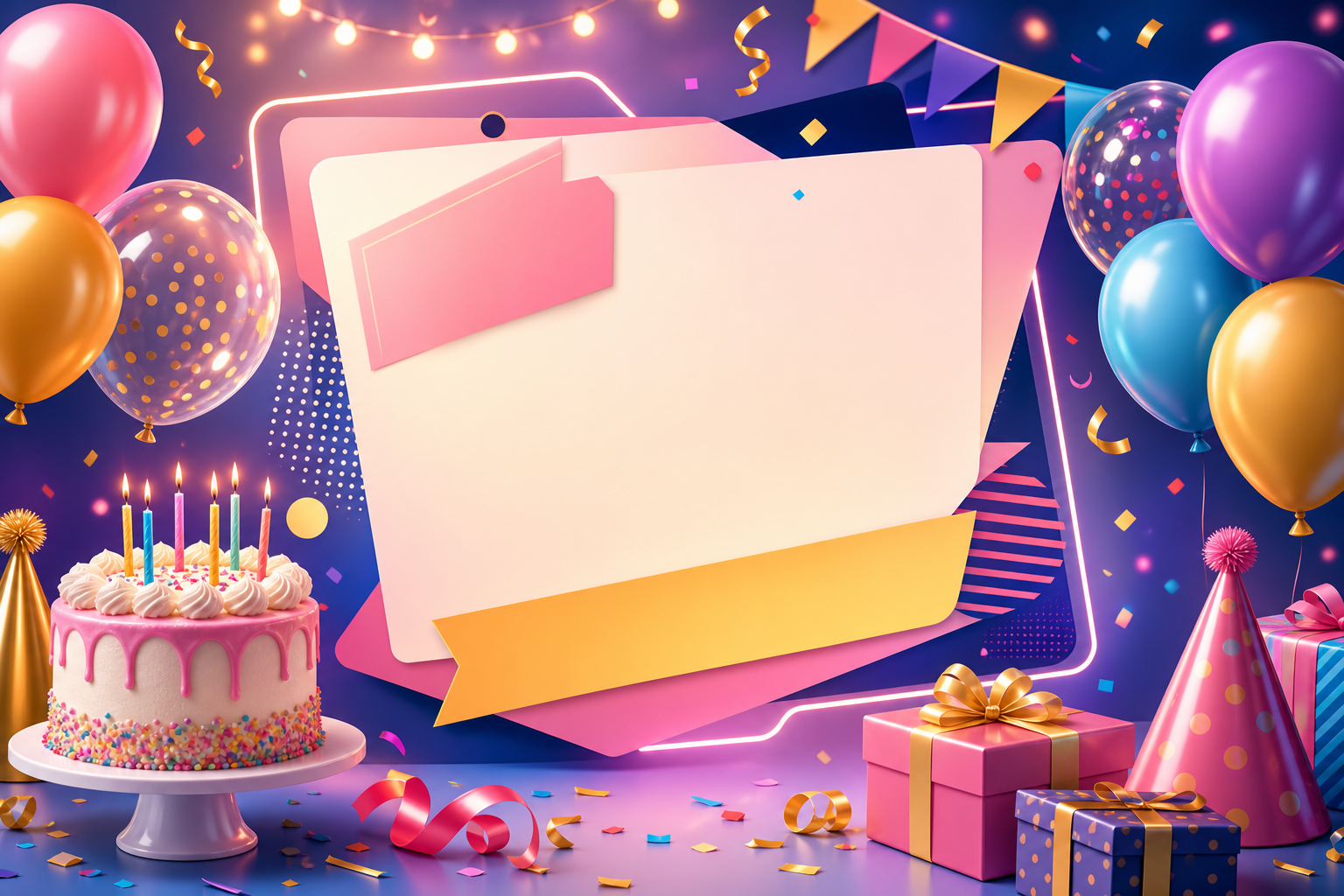
Give the AI a clear party mood
Birthday flyer prompts work better when they describe the mood instead of only listing the text. Add words like elegant dinner, neon party, kids superhero theme, pink glam, tropical pool party, or retro disco.
If you have a reference photo, use it to guide color and personality while keeping the layout simple enough for event details.
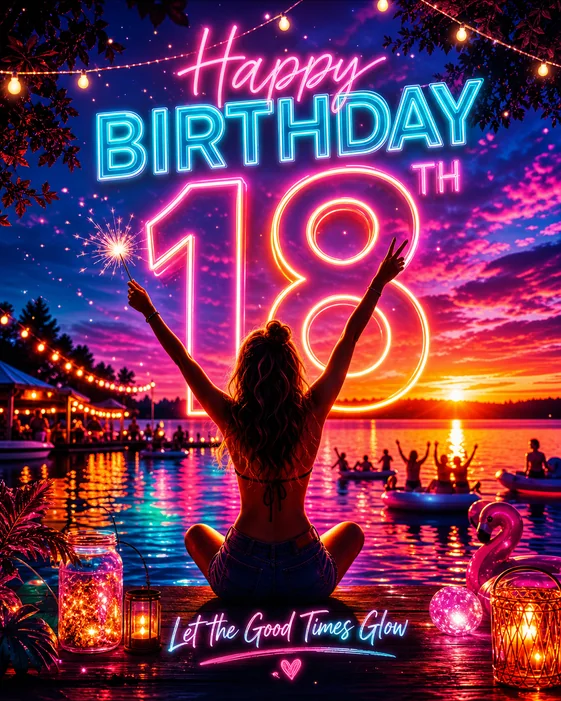
Make the important details readable
The most common mistake is overdecorating the flyer until the date and venue become hard to read. Ask for high contrast, clear title placement, and an uncluttered information block.
After the first image, refine one thing at a time: typography, background, color, photo placement, or the RSVP block.
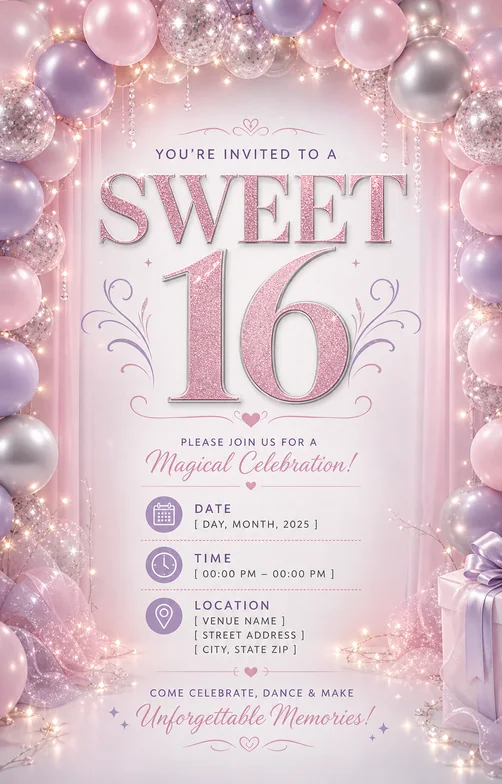
Checklist
- Name and age are prominent
- Date, time, and venue are visible
- Theme matches the celebration
- Text area is not crowded
- Final aspect ratio matches where it will be shared
Search intent and format plan
| Decision | What the page should answer | How to brief the generator |
|---|---|---|
| Primary intent | birthday flyer searches need party invite, milestone, Sweet 16, theme, date, venue, and RSVP guidance. | Cover birthday flyer intent with celebrant name, age, theme, required details, RSVP, and photo direction. |
| Format choice | Pick print, feed, story, or square format before styling so the invitation details remain readable. | Mention letter size for print, 4:5 for invite posts, square for profile sharing, or 9:16 for story reminders. |
| Conversion detail | Make the name, age, date, venue, RSVP, and theme easier to read than decorative effects. | Use the birthday flyer maker, Sweet 16 flyer maker, or party flyer maker when the brief needs a more specific example set. |
Best workflow
Start how to make a birthday flyer with a short brief: celebrant, age, theme, required text, format, and RSVP. Generate one visual direction first, then revise for readability before changing style.
Best for
- Searchers who need a practical flyer structure quickly
- Teams that need both printable and social versions
- Related paths such as birthday flyer maker, Sweet 16 flyer maker, party flyer maker
Less ideal for
- Long-form brochures with multiple sections
- Designs where every detail must be manually positioned before generation
- Campaigns that have not chosen one primary CTA
Reusable examples
Birthday flyer prompt
Use this for birthday parties, Sweet 16 flyers, milestone birthdays, and family invitations.
Create a birthday flyer for a Sweet 16 party. Include celebrant name, age, date, time, venue, RSVP contact, pink glam theme, portrait area, readable event details, and 4:5 social format.
Frequently asked questions
Who is this guide for?
A birthday flyer should make the event feel easy to understand at a glance: who it is for, when it happens, where it happens, and what the vibe is.
What workflow does this guide support?
This guide is designed to help with how to make a birthday flyer and connects to the matching Vismuse workflow page for hands-on execution.
Do I need design experience to use this workflow?
No. Start with the guide structure, add the details you already know, and use the matching Vismuse generator to create and refine the visual.