
Make the Mulmannan Gwangeo Dance From Your Photo
One solo or group photo becomes a playful floor-dance scene. Keep your cast and ask for synchronized hand-and-foot lifts with a gently moving camera.
Pick an effect
All 154 effects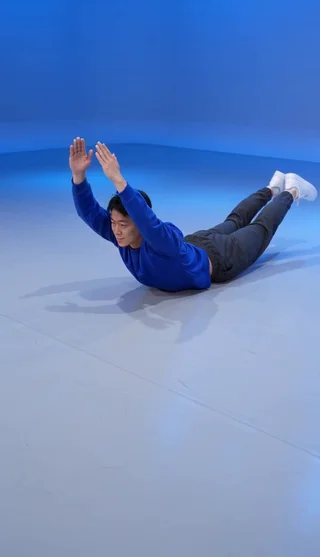 Mulmannan Gwangeo AI Dance
 Burning Bridges
 Crazy Frog AI
 Bulin 47
 Hotel Lobby
 Cheba Man
 Rumpelstiltskin
 Raindance
 Toc Toc
 Ozil Goal
 Zombie Video
 Zombie Couple
 STORM II
 Alors On Danse
 Hit The Road Dude
 Gas Station Dance
 Smalltown Boy
 AI Crying
 Camden Bop
 Bad Times
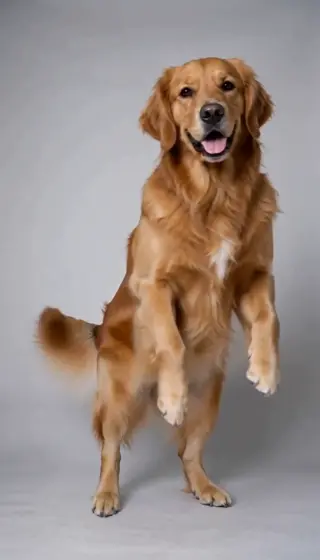 AI Dog Dancing
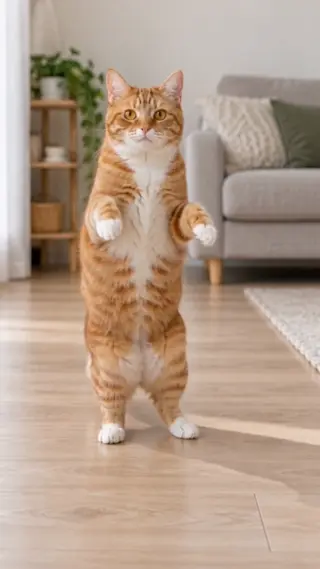 AI Cat Dance
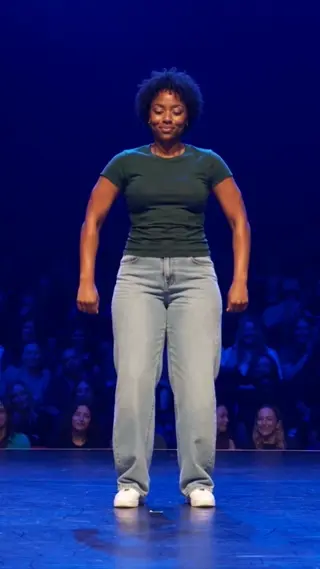 Jean Phil Gang Gang
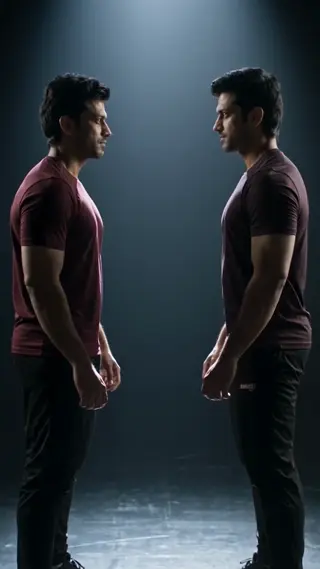 Your Next Opponent Is You
 Mi Chico
 Michael Jackson Dance
 AI Kissing
 NEON Dance AI
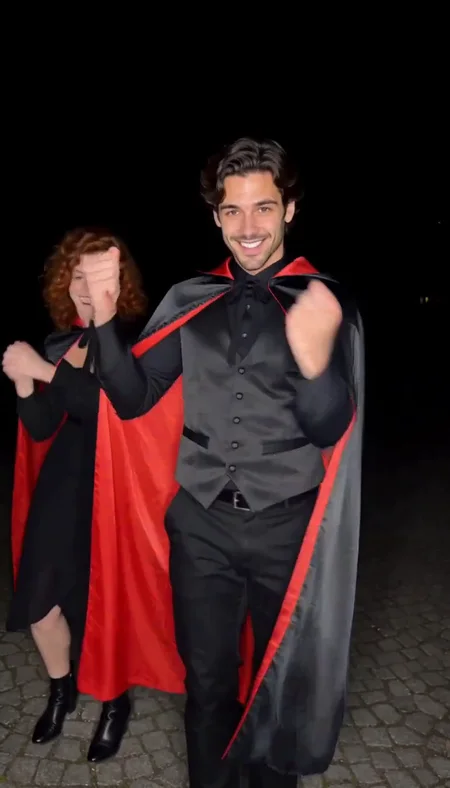 Vampire Duo Dance AI
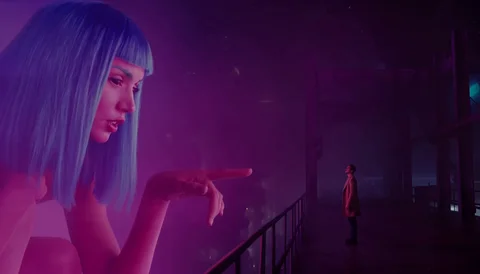 You Look Lonely AI
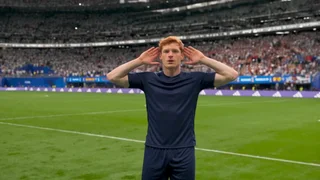 Enzo Fernandez Celebration AI
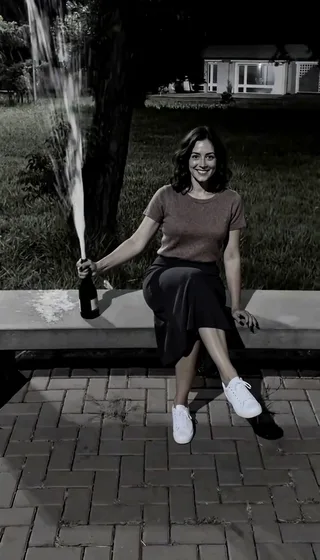 Champagne Birthday AI
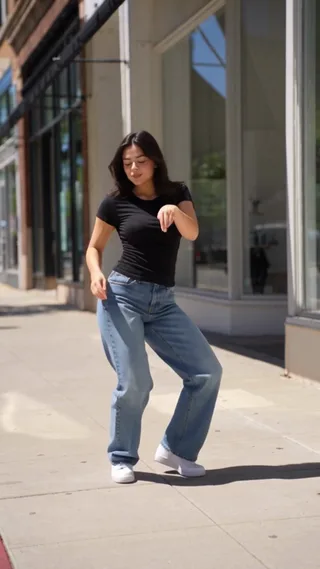 Babydoll Dance AI
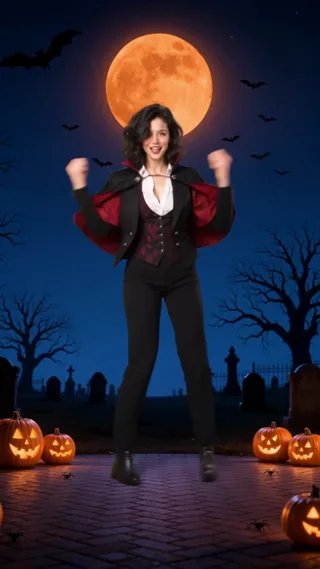 Spooky Scary Skeletons AI
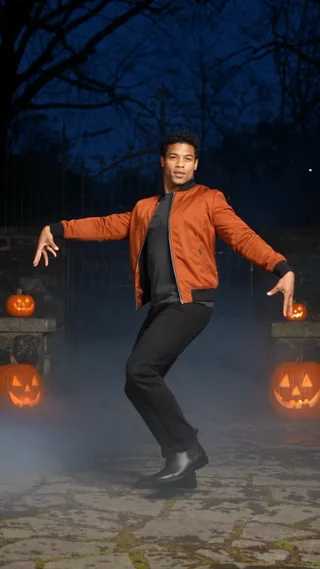 Thriller Dance AI
 Lush Life Dance AI
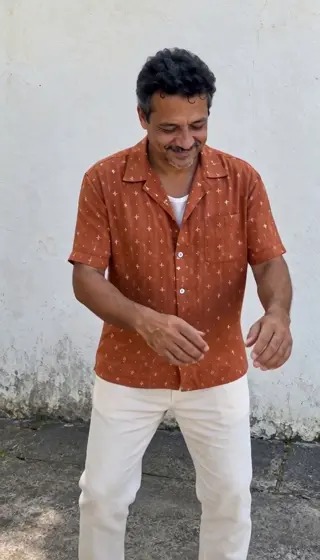 Charme Dance AI
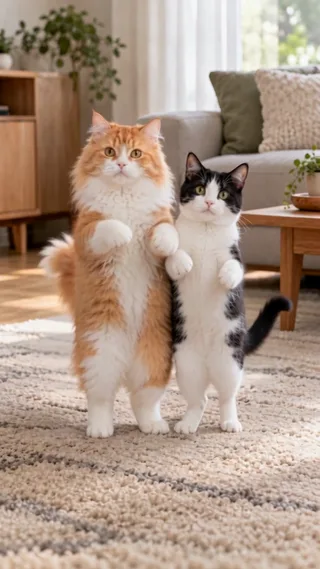 Babydoll Dance Pet AI
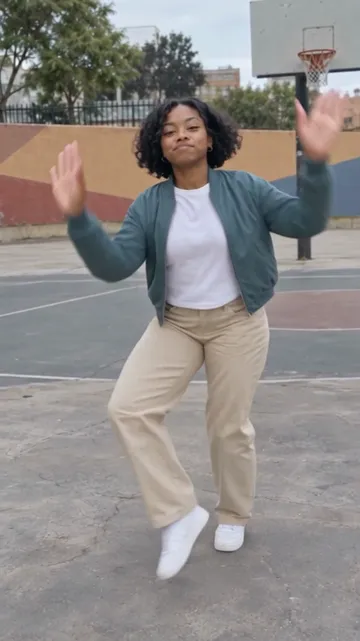 Juju On That Beat AI
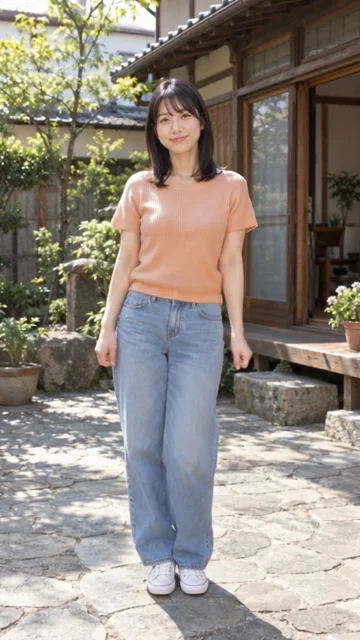 Otsukare Summer AI
 Ramalama AI
 AI Halloween Costume
 Singing Dog AI
 What Stop Sign AI
 KATSEYE Animal AI
 Closed on Sunday AI
 Twilight Baseball AI
 I Put My Heart in This AI
 Fergie Baby AI
 Gangnam Style AI
 Jailer 2 AI
 Ain’t No Mountain High Enough AI
 No Scrubs AI
 C-Walk AI
 AI Cartoon Couple
 Walk It Like I Talk It AI
 APT Dance AI
 No Renunciaré AI
 Keep On Steppin AI
 Thank You Baby AI
 Money Flex AI
 I'm Gonna TOESA AI
 That's My Dawg AI
 Kung Fu Cat AI
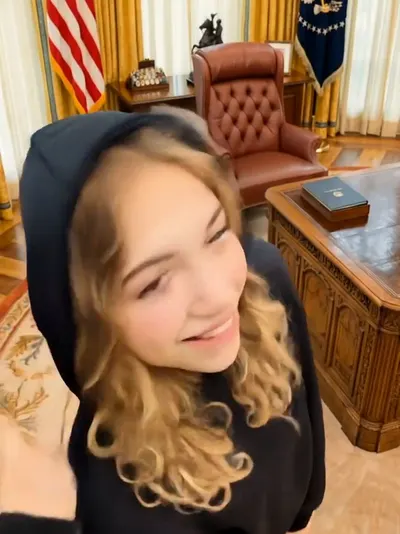 Not Cute Anymore AI
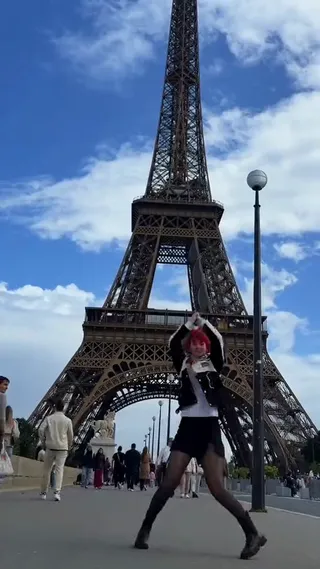 Rasputin Dance AI
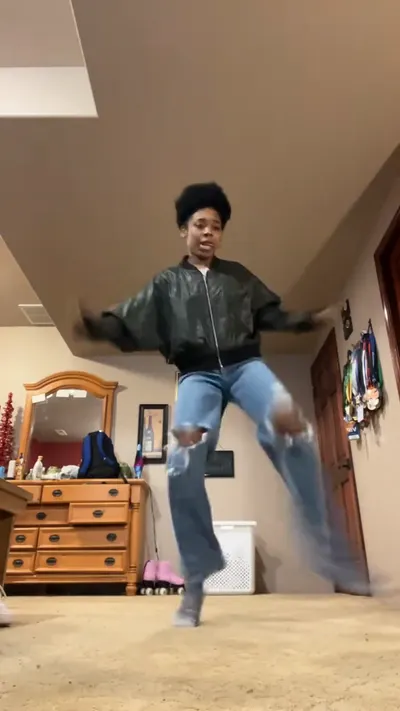 Can Can Dance AI
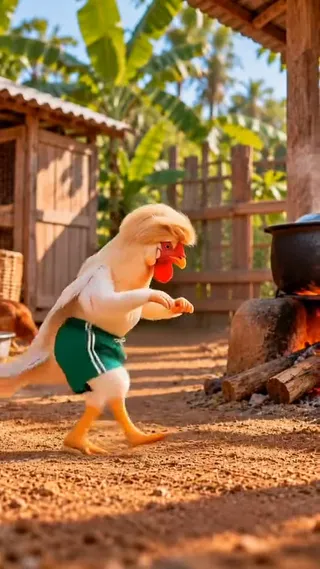 Chicken Dance AI
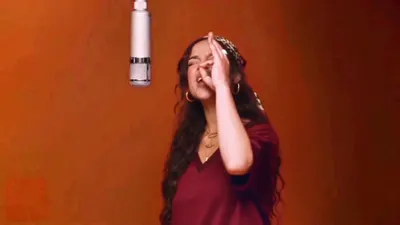 Bécane AI
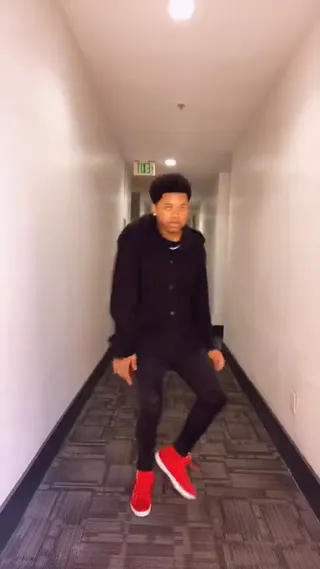 Toosie Slide AI
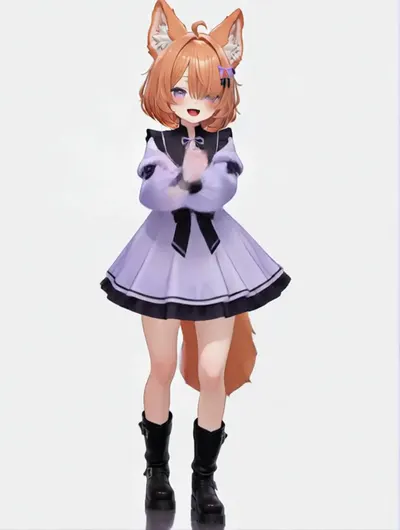 Tyla Dance AI
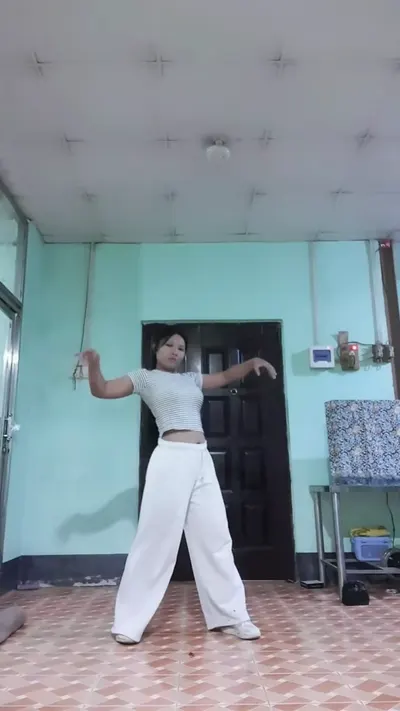 ATEEZ BAD AI
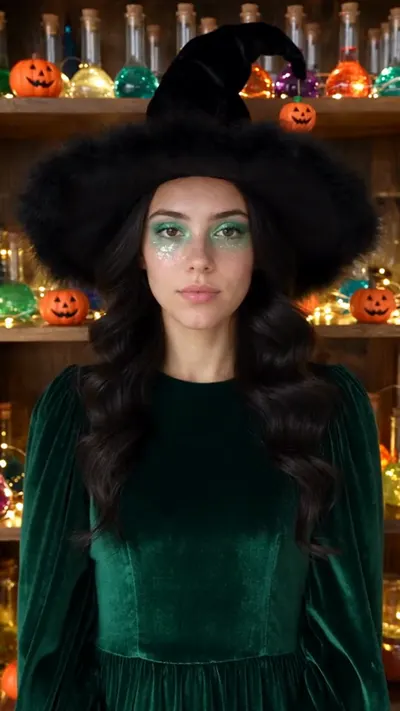 Potion Witch AI
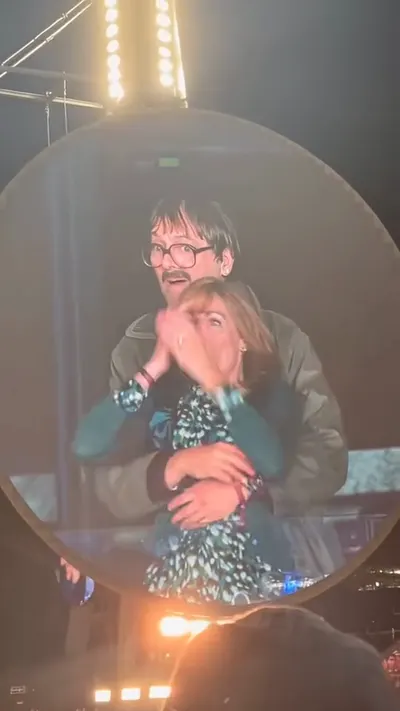 Coldplay Kiss Cam AI
 Turn The Lights Off AI
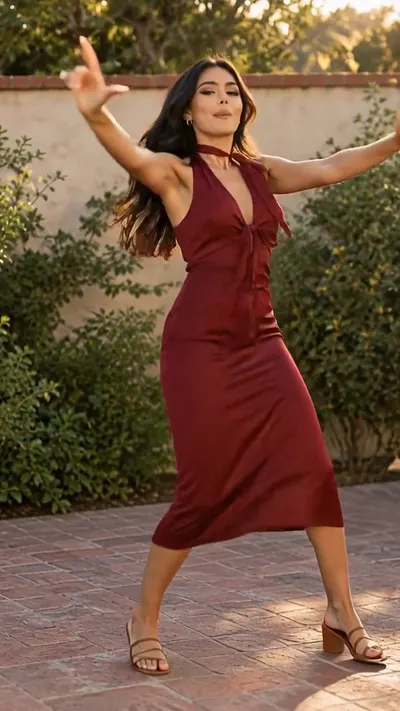 I Got That Feeling AI
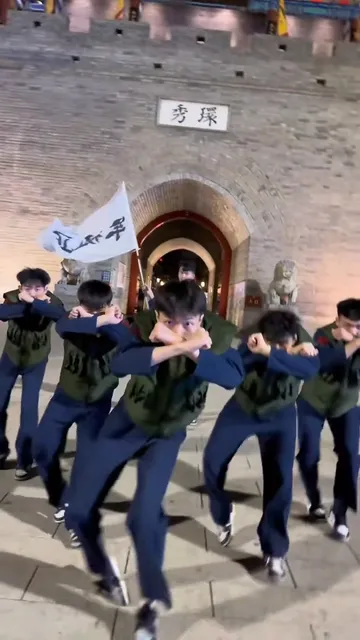 Naruto Dance AI
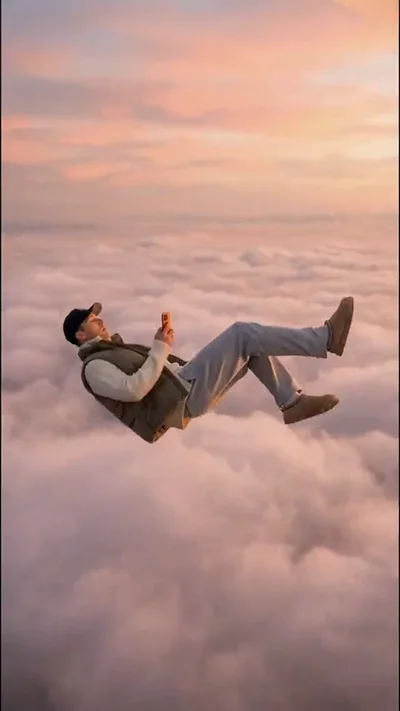 Skyfall AI
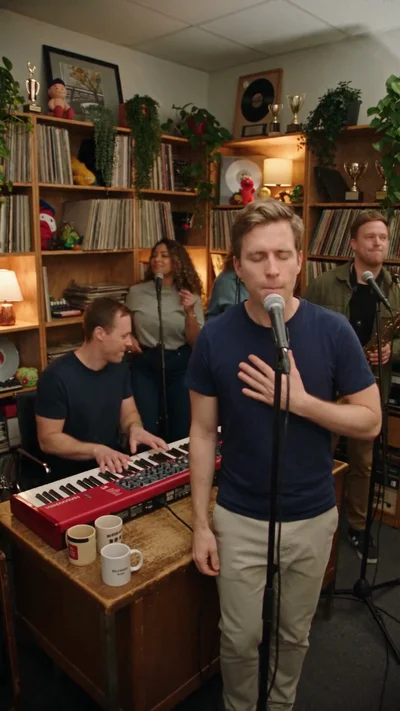 Tiny Desk AI
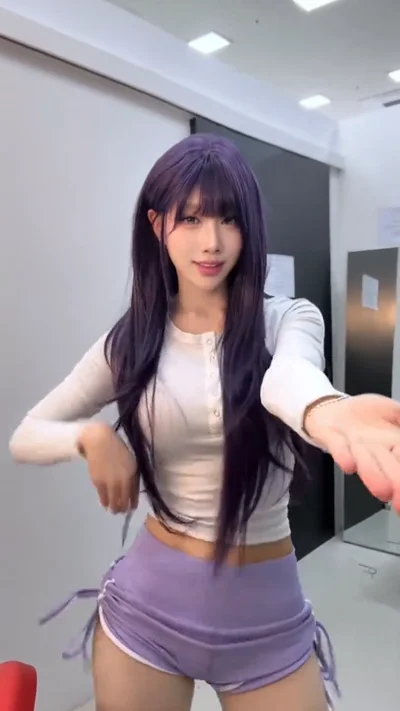 Macarena Dance AI
 Gender Swap Filter AI
 AI Caricature Trend
 Uptown Funk AI
 Deep Down In My Heart AI
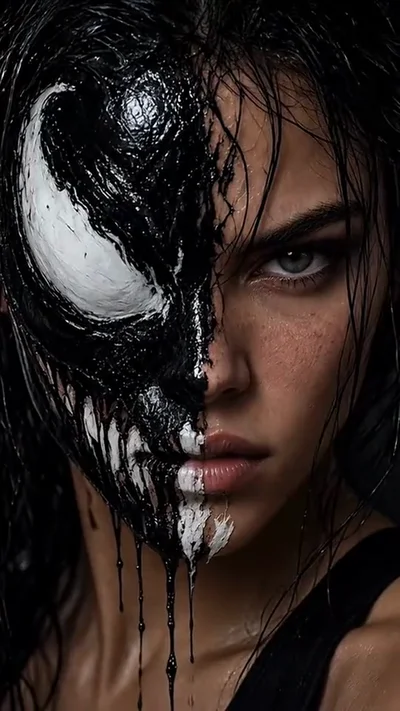 Venom Makeup AI
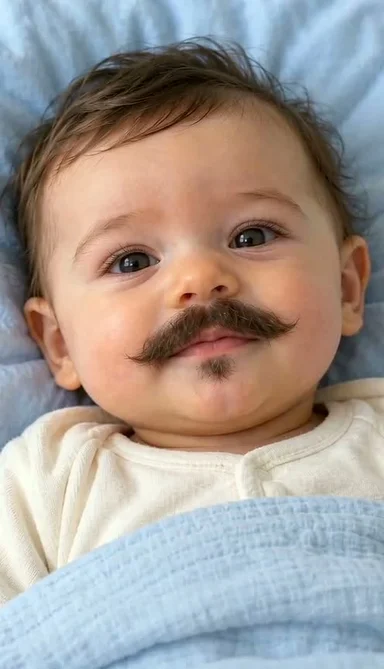 Baby With Mustache AI
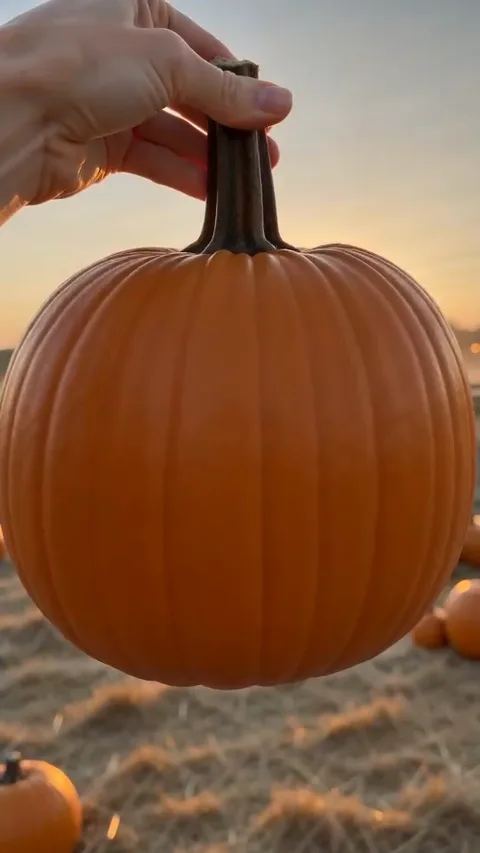 Pumpkin Head AI
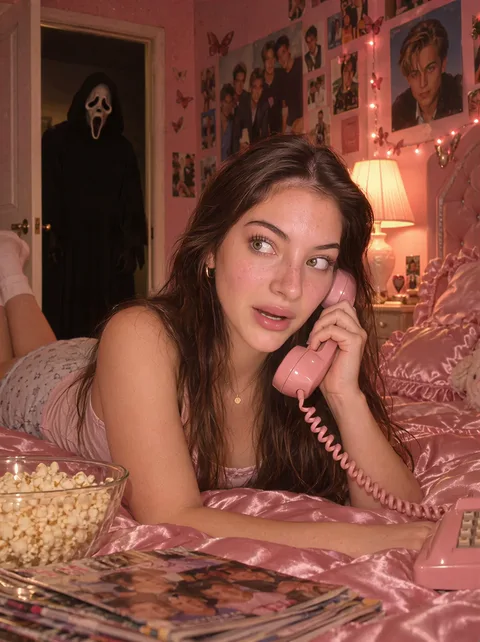 Ghostface AI Trend
 Mandem in Disguise AI
 Wassup in a Minute AI
 Puerto Rican Mami Dance AI
 Bing Bing Bing Kicking AI
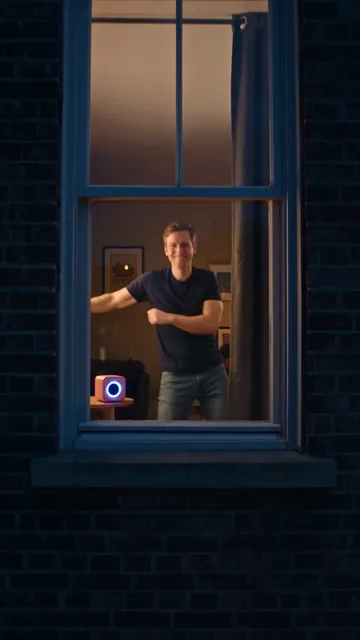 Window Dance AI
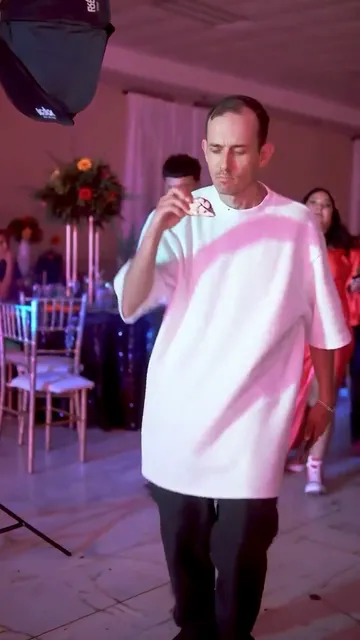 BbY WOW AI
 Check One Check Two AI
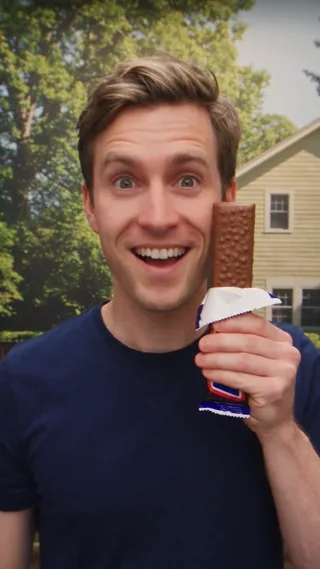 Nestle Crunch AI
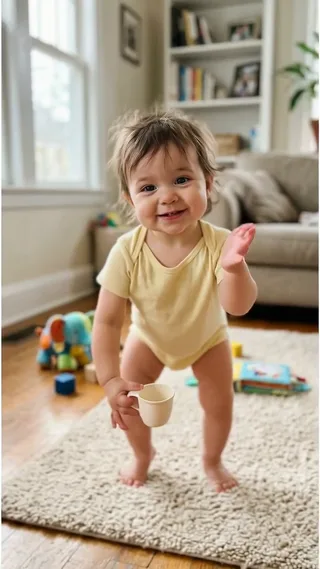 Bonito Bonito AI
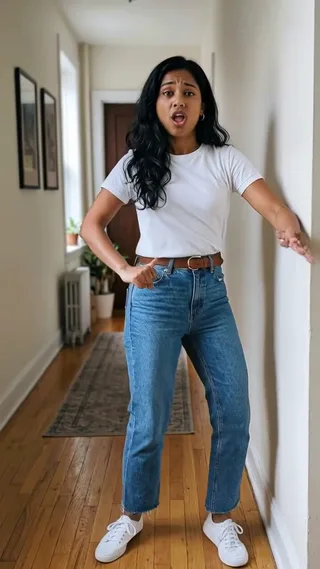 I’m So In Love With You AI
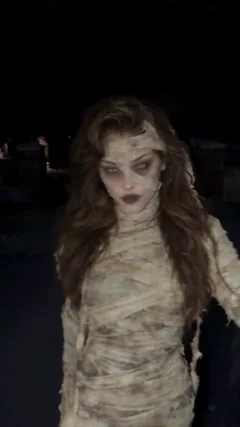 Mummy Zombie Dance AI
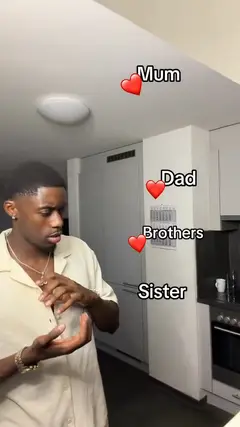 Mom Dad Sister Brother AI
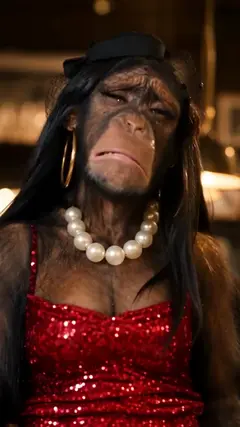 I Thought We Were Having A Nice Date AI
 Talk Dirty Dance AI
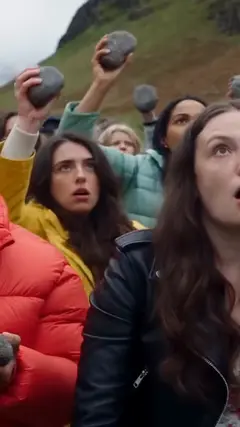 Stones to Castle AI
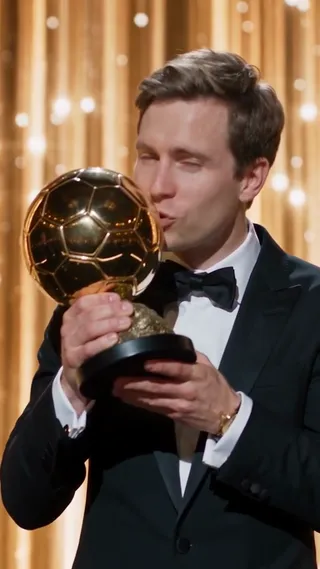 Ballon d’Or AI
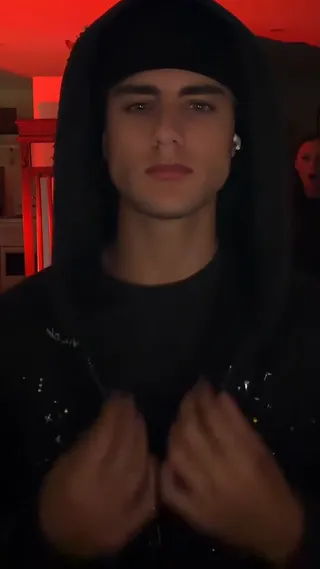 Skull Cap AI
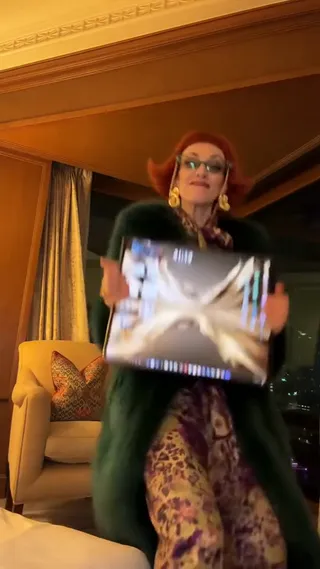 iPhone Kupi Dance AI
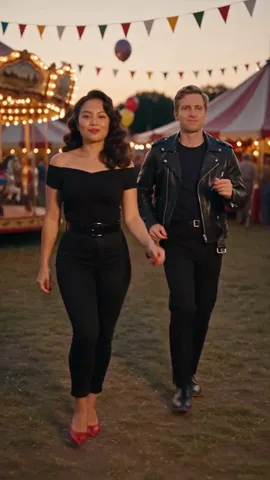 Grease Dance AI
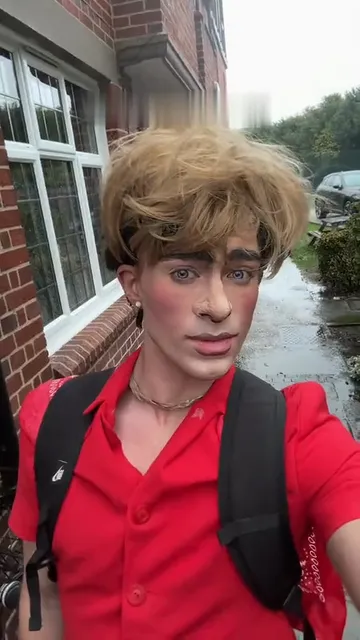 Then I Walk In AI
 Mini Me AI
 Tung Tung Tung Sahur Dance AI
 I Hope He Buys You Flowers AI
 Dog Making Coffee AI
 Birthday Car AI
 AI Cupid
 On The Radar AI
 Pick It Up Dance AI Video Generator
 AI Red Riding Hood Video Generator
 BABYMONSTER DESERVE AI Video Generator
 Shan Shen Bu Dance AI
 JISOO Addicted Dance AI Video Generator
 Mabel Matiz Umrumdışı AI Video Generator
 Snow Leopard Meme AI — Paws At You Video Generator
 Giant Ramp Climbing AI — Dam Wall Run Video Generator
 Quiet on the Creek AI
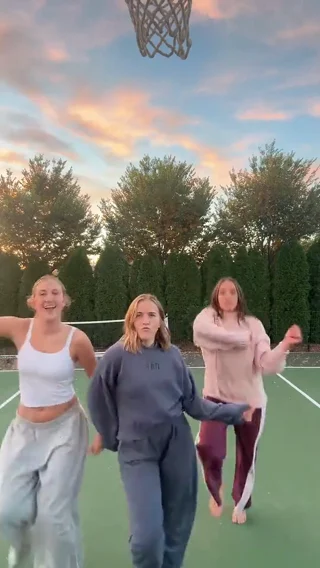 Chipmunks Dance AI
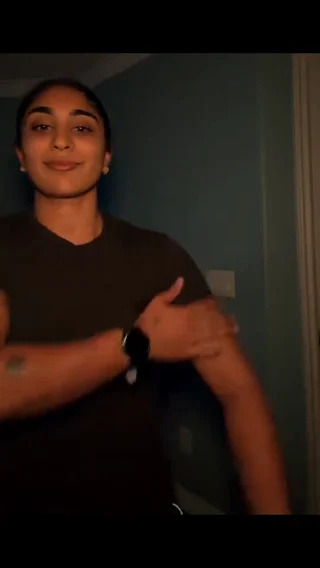 Bicep Heart AI
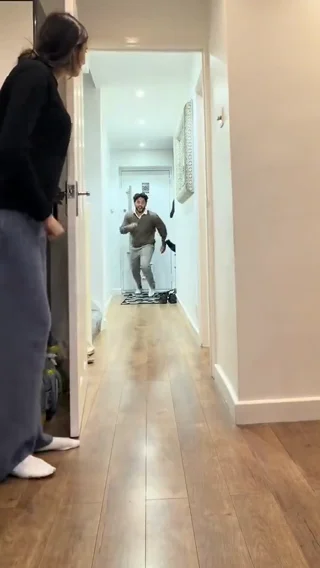 Closing Door Prank AI
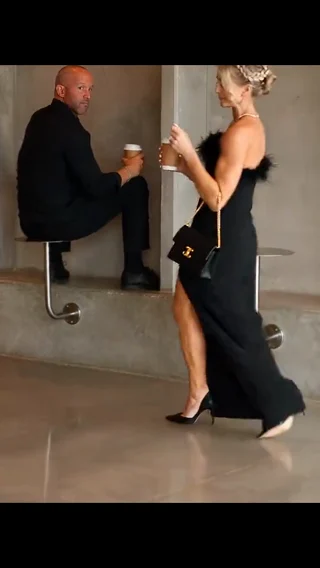 First Time in a Fancy Cafe AI
 24K Magic AI
 Hop Hop Hop AI Dance
 Cutedog AI
 Smooth Criminal Dance AI
 End of Watch AI
 Look Alive AI
 Just a Little Bit AI
 Trouble Maker AI
 58th Floor AI
 I Just Beat The Case AI
 Dame Hombro AI Dance
 Like JENNIE AI
 Aserejé AI
 The Last Dance AI
 Lonyo AI
 KDA Firestarter AI
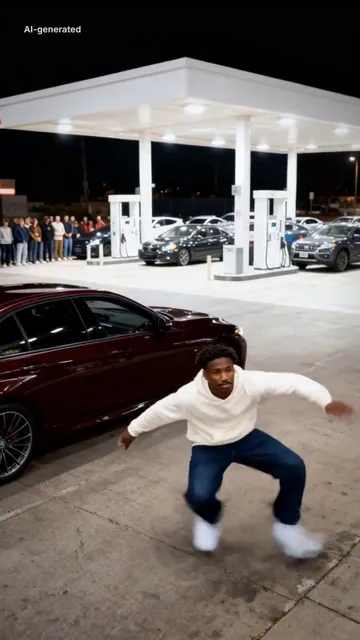 Mop Dance AI
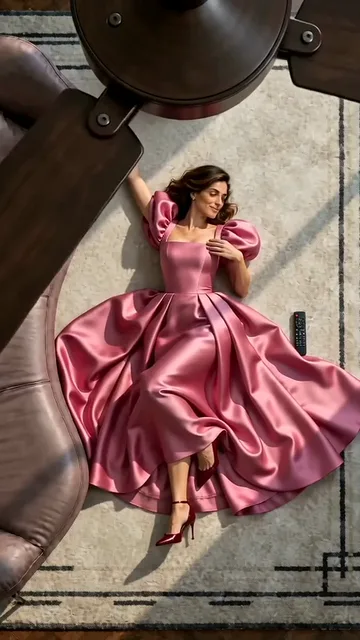 AI Ceiling Fan Transition
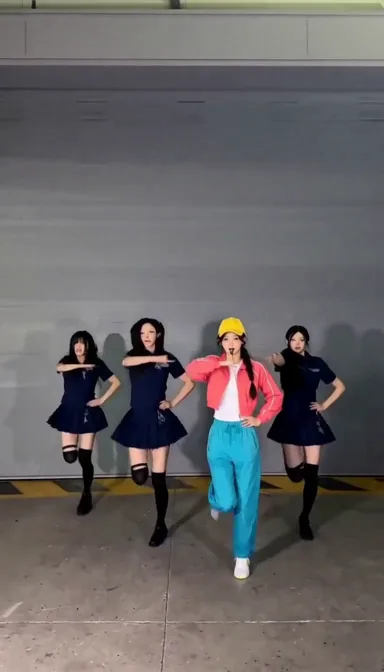 ILLIT Under Arrest Dance AI
 Buggin Dance AI
 Can I Ride Dance AI
 Dog Elevator Prank AI
 Snatch Back Splash AI
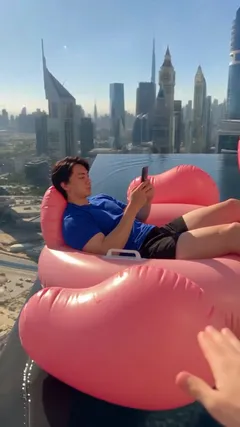 Flamingo Float AI
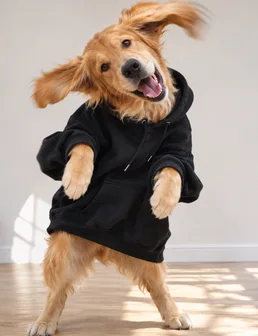 Pet Rock Dance AI
 Suave Cat Dance AI
 I Love the Smiths AI
Paid credits required. Check the cost before generating.
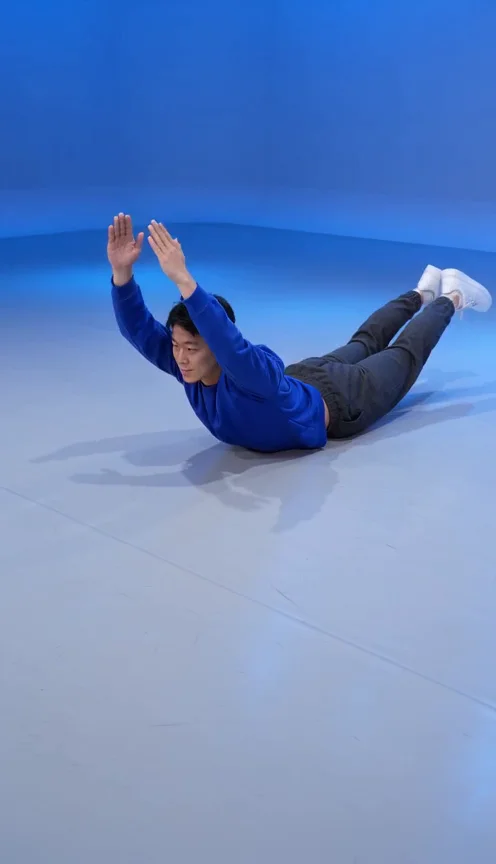
What is the Mulmannan Gwangeo dance?
물만난 광어 춤, also written 물만난광어춤, is a prone flopping dance. The abdomen and pelvis stay on the floor while both hands and both feet lift and lower together in a repeating rhythm. This template makes a new AI interpretation with the people in your photo.
One photo defines the whole cast
Upload a solo photo for one dancer, or a group photo for the same group dancing together. The photo defines identities and clothing. Written instructions guide the movement and camera; you do not need a dance video or storyboard. The default is a simple dance studio.
Make my Gwangeo dance
- 01
Add your photos
Use a solo image or a group image. The reference defines the subjects; the prompt describes the dance. Clear subjects and visible limbs can help the result, but you do not need a special pose or separate photo for each subject.
- 02
Personalize the scene
Describe a studio, stage or another setting, or ask to retain the environment visible in your photo. The default camera gently moves sideways and pushes in. Movement, group synchronization and likeness can vary; frame-perfect reproduction is not guaranteed.
- 03
Generate and download
Check the displayed cost, generate and inspect every face, hand, foot and grounded reset before downloading. New generations and revisions use paid credits.
Solo floor dance or a synchronized group meme
Make a short reaction clip for Reels, Shorts or TikTok using the cast already in your photo. A group photo is one upload, not a separate photo for every dancer. Check every face, the planted pelvis and the hands and feet returning to the floor.
Make it your way
The template is built in. Use the ready-made scene, or add a short instruction to make it yours.
Questions about this video
Can I use a group photo?
Upload a solo photo for one dancer, or a group photo for the same group dancing together. The photo defines identities and clothing. Written instructions guide the movement and camera; you do not need a dance video or storyboard. The default is a simple dance studio.
Do I need to upload a reference video?
Upload a solo photo for one dancer, or a group photo for the same group dancing together. The photo defines identities and clothing. Written instructions guide the movement and camera; you do not need a dance video or storyboard. The default is a simple dance studio.
Is the original song included?
This template exports a silent video and does not include the original song. Add an audio track later in your editor or posting app.
How long is the video?
One 5-second vertical 9:16 MP4. The default generation resolution is 480p; available upgrades follow your plan.
Can I change the outfit or background?
Describe a studio, stage or another setting, or ask to retain the environment visible in your photo. The default camera gently moves sideways and pushes in. Movement, group synchronization and likeness can vary; frame-perfect reproduction is not guaranteed.
Make my Gwangeo dance
Use a solo image or a group image. The reference defines the subjects; the prompt describes the dance. Clear subjects and visible limbs can help the result, but you do not need a special pose or separate photo for each subject.
Make my Gwangeo dance