
I Thought We Were Having A Nice Date AI: A Dinner That Turns Dramatic
Two people sit across a dim restaurant table. One goes from laughing to standing up and crying, while their date tries to calm them down. One vertical 9:16 MP4, about 15 seconds long. Individual movements and facial consistency can vary.
Upload your photos and let AI recreate the trend’s signature moves. No reference video or prompt required.
Pick an effect
All 202 effects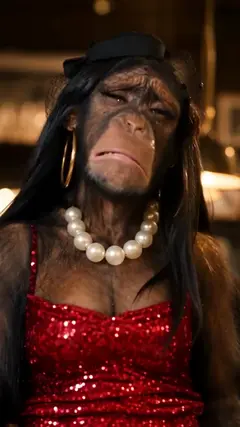 I Thought We Were Having A Nice Date AI
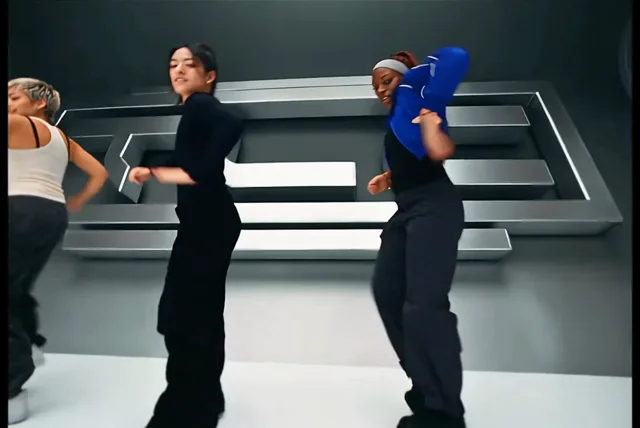 No Scrubs AI
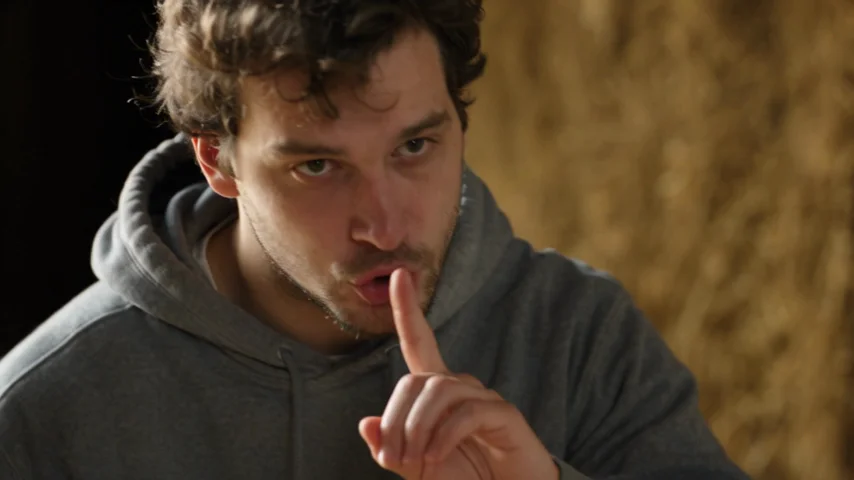 Rumpelstiltskin
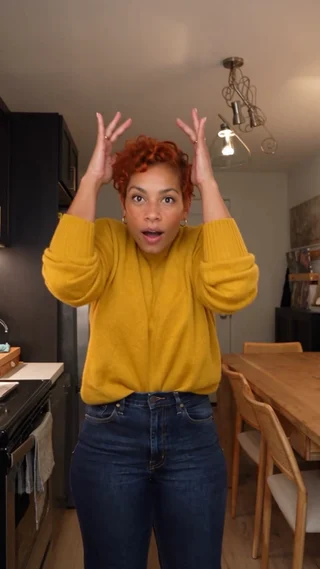 Bad Times
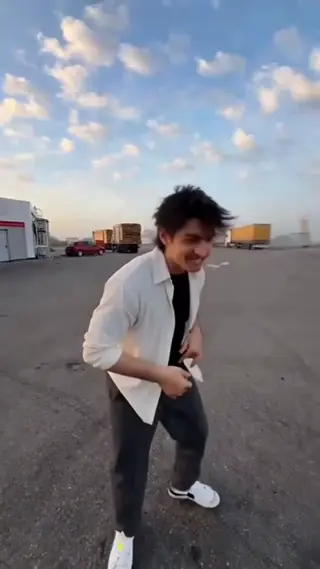 Gas Station Dance
 Burning Bridges
 Gangnam Style AI
 Bulin 47
 Trouble Maker AI
 Bing Bing Bing Kicking AI
 I Love the Smiths AI
 BbY WOW AI
 Champagne Birthday AI
 NEON Dance AI
 Hotel Lobby
 Hit The Road Dude
 STORM II
 Alors On Danse
 Babydoll Dance AI
 Like JENNIE AI
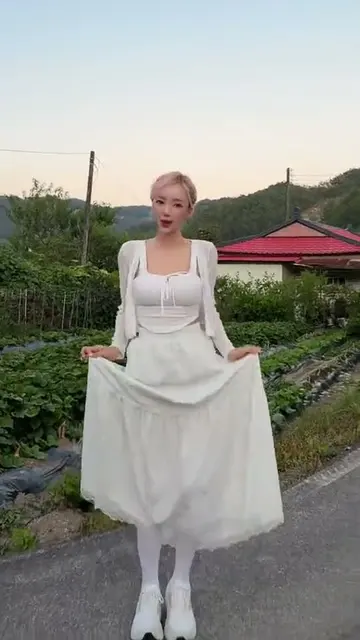 I'm Gonna TOESA AI
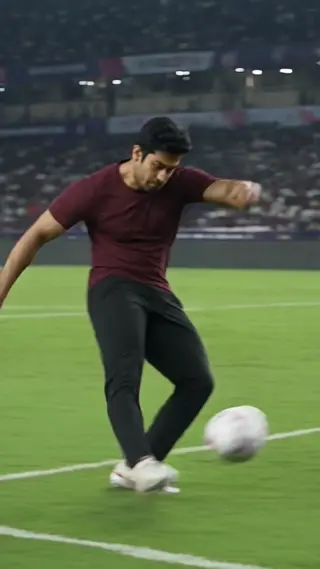 Ozil Goal
 Crazy Frog AI
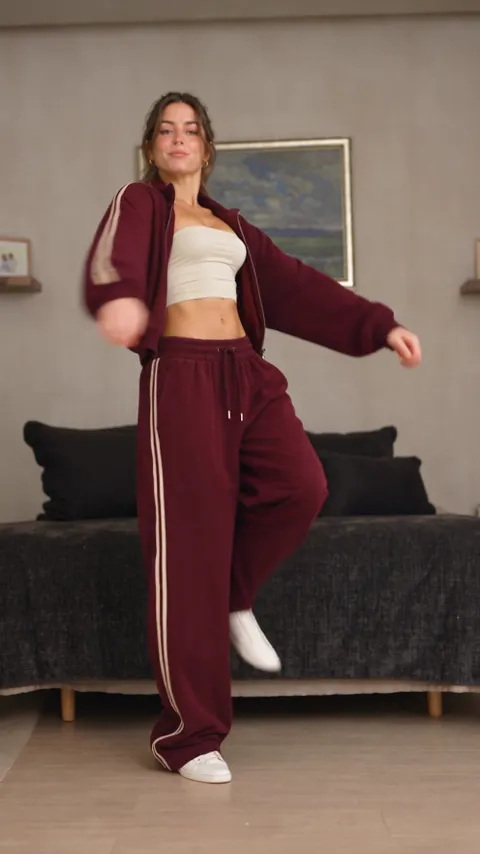 Toc Toc
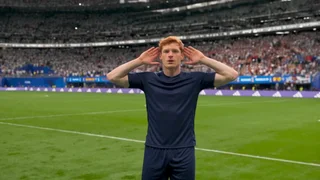 Enzo Fernandez Celebration AI
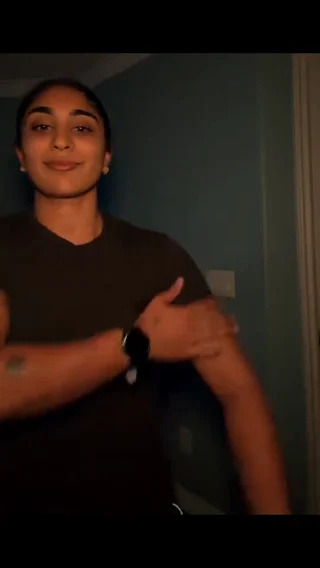 Bicep Heart AI
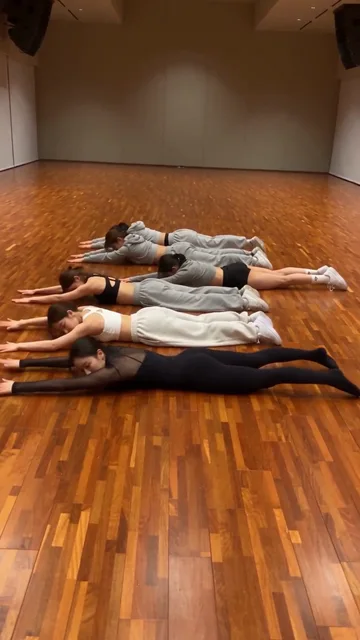 Mulmannan Gwangeo AI Dance
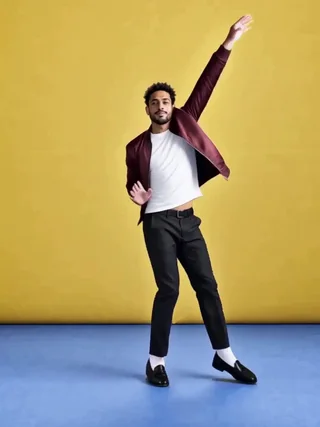 Michael Jackson Dance
 I’m So In Love With You AI
 Smalltown Boy
 Raindance
 Thriller Dance AI
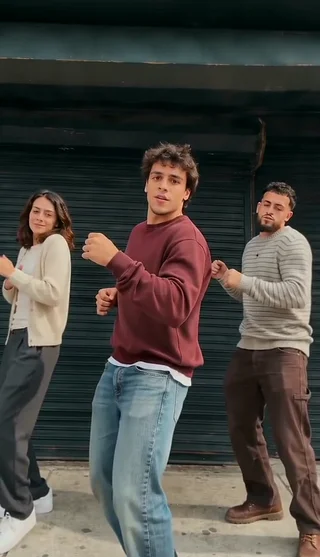 Dame Hombro AI Dance
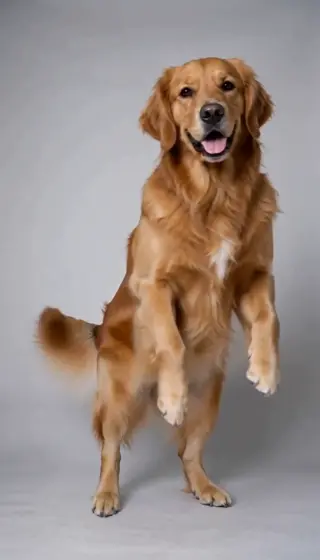 AI Dog Dancing
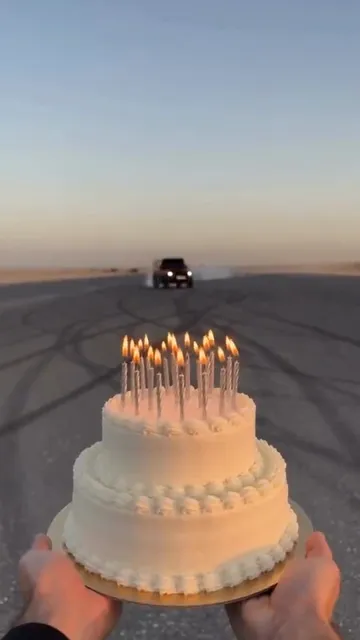 Birthday Car AI
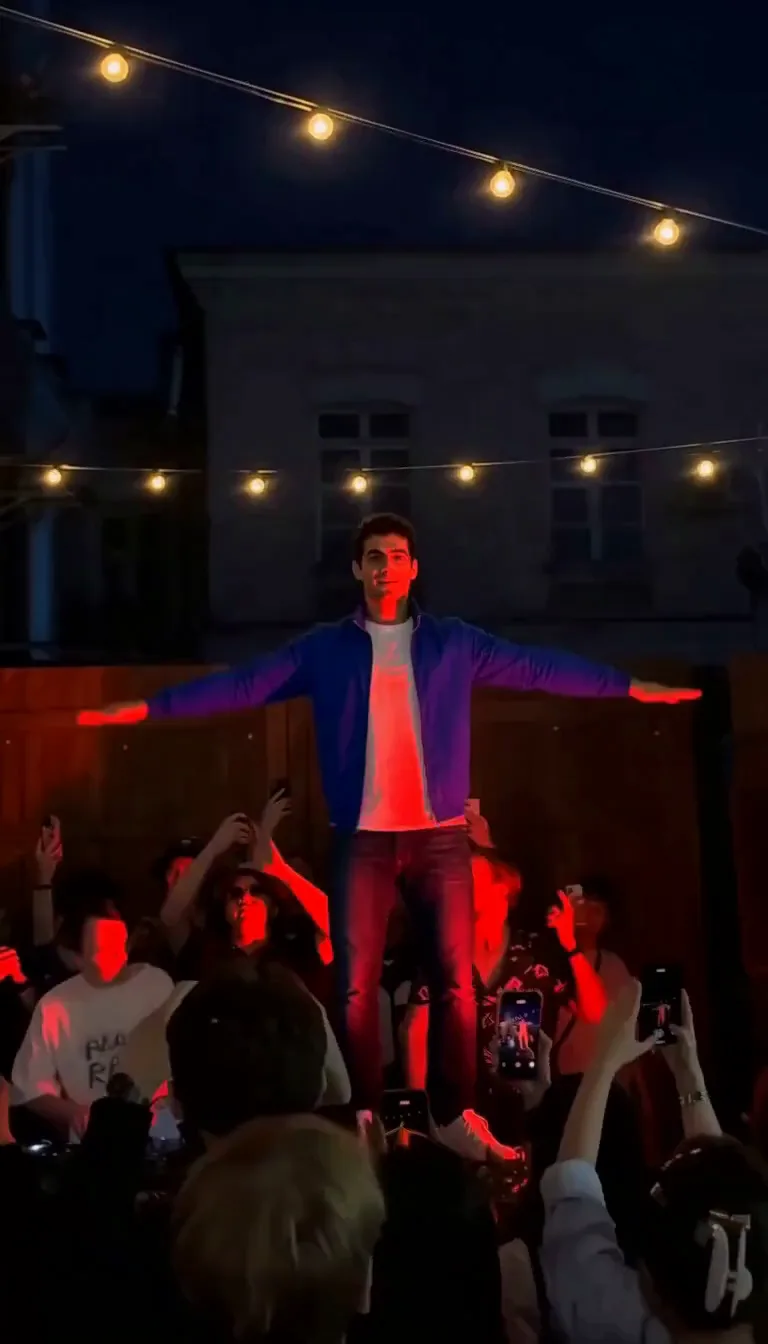 Cheba Man
 AI Kissing
 Cow Shaking Head AI
 Zombie Video
 Sheru AI
 End of Watch AI
 ATEEZ BAD AI
 Jailer 2 AI
 Otsukare Summer AI
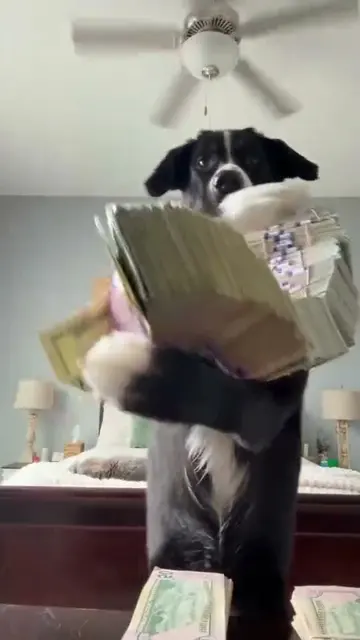 Money Flex AI
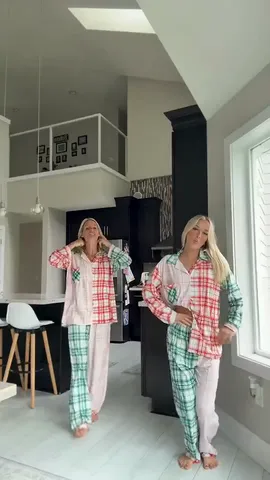 Christmas Pajama Dance AI
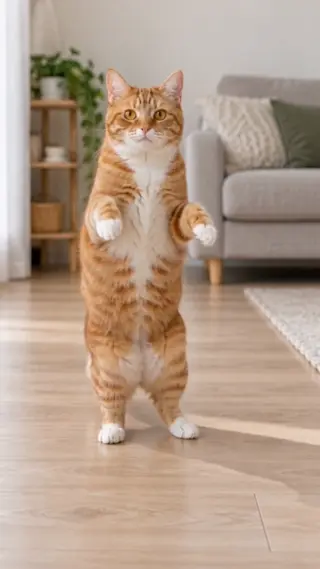 AI Cat Dance
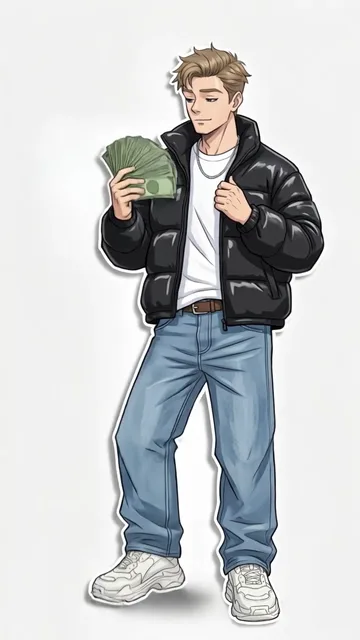 Wassup in a Minute AI
 Charme Dance AI
 Hotline Bling Dance AI
 First Time in a Fancy Cafe AI
 Flamingo Float AI
 It’s My Life Dog AI
 Tough Like a Gorilla AI
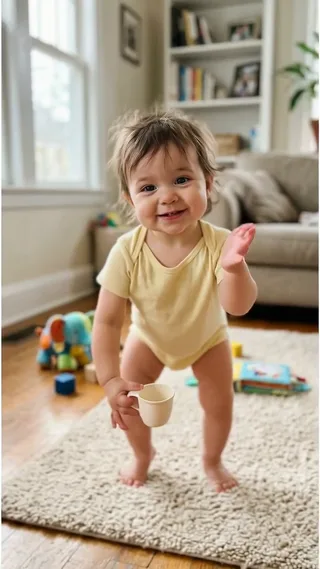 Bonito Bonito AI
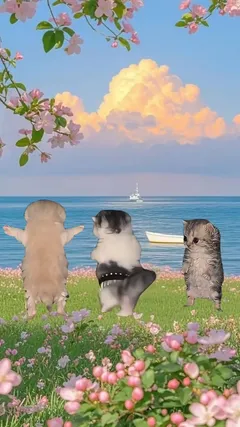 Suave Cat Dance AI
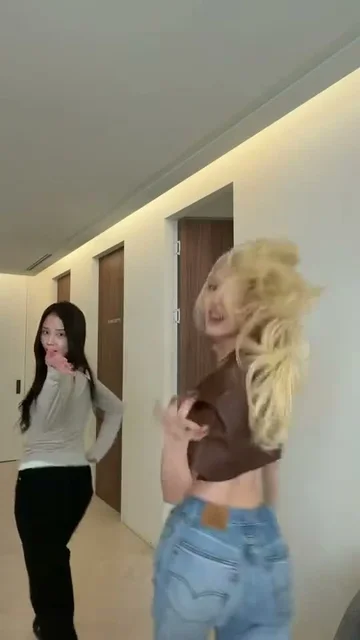 JISOO Addicted Dance AI Video Generator
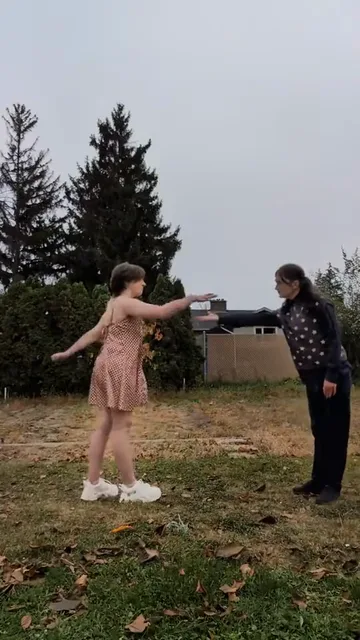 The Last Dance AI
 Mop Dance AI
 24K Magic AI
 AI Crying
 Macarena Dance AI
 Tung Tung Tung Sahur Dance AI
 Turn The Lights Off AI
 Uptown Funk AI
 KDA Firestarter AI
 Pet Rock Dance AI
 Shan Shen Bu Dance AI
 TAKE ME AI
 Coldplay Kiss Cam AI
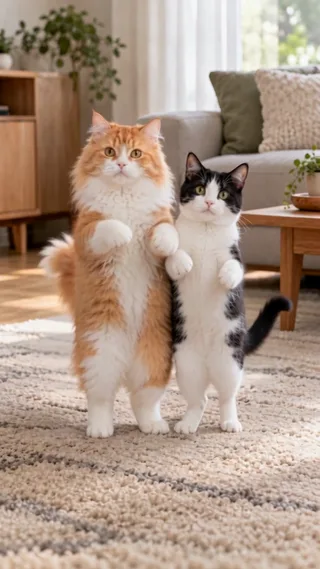 Babydoll Dance Pet AI
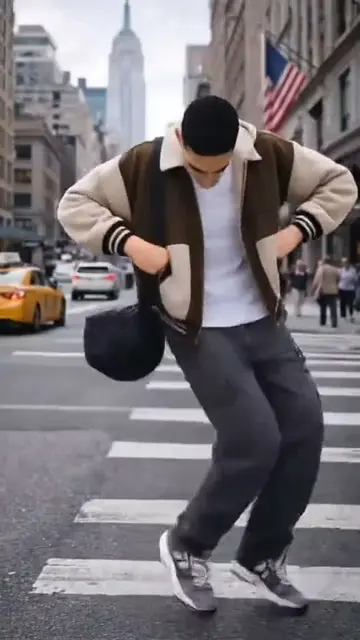 C-Walk AI
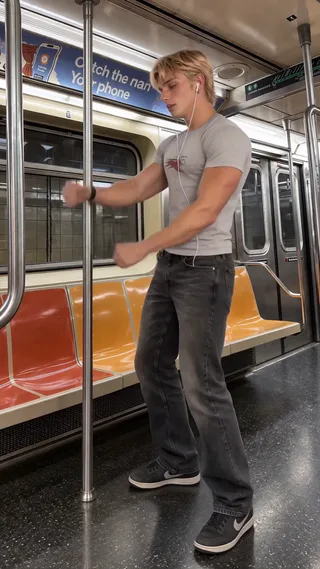 Bow Bow Bow Dance AI
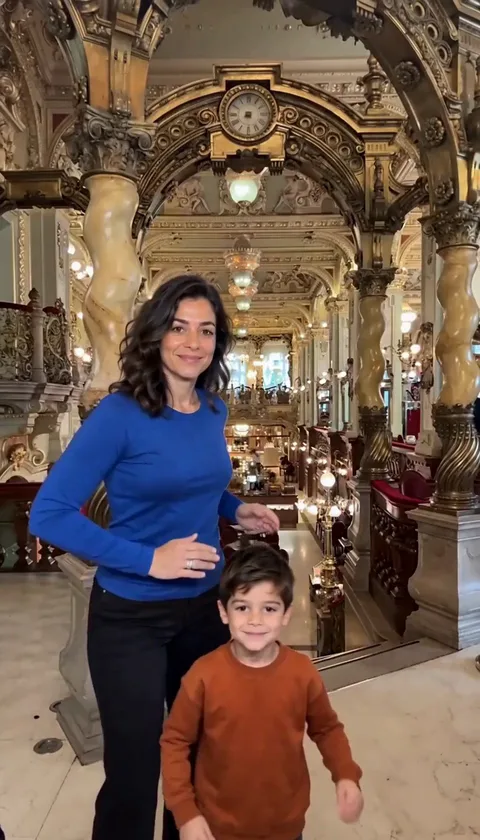 Mi Chico
 APT Dance AI
 Tiny Desk AI
 Ballon d’Or AI
 Window Dance AI
 You Look Lonely AI
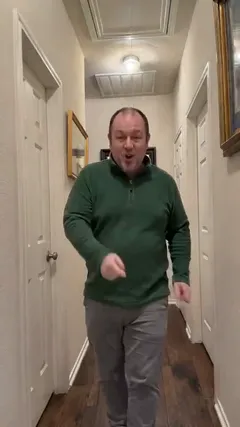 Can I Ride Dance AI
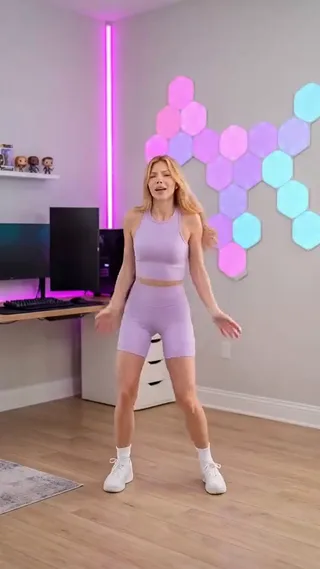 Zany Emote Dance AI
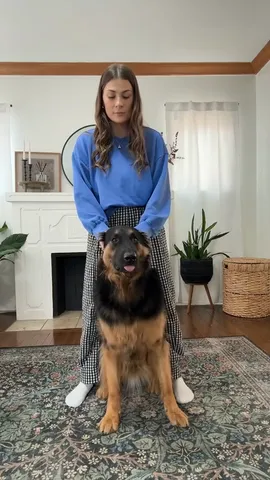 Pet Bop Dance AI
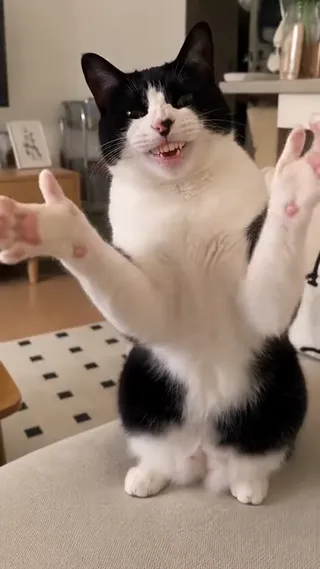 Cat Clapping AI
 What Stop Sign AI
 BABYMONSTER DESERVE AI Video Generator
 Dog Elevator Prank AI
 Christmas Lights Car AI
 Glow Trio AI
 Giant Ramp Climbing AI — Dam Wall Run Video Generator
 Cat Open Mouth Massage AI
 Aeropickles Dance AI
 AI Doorbell Video
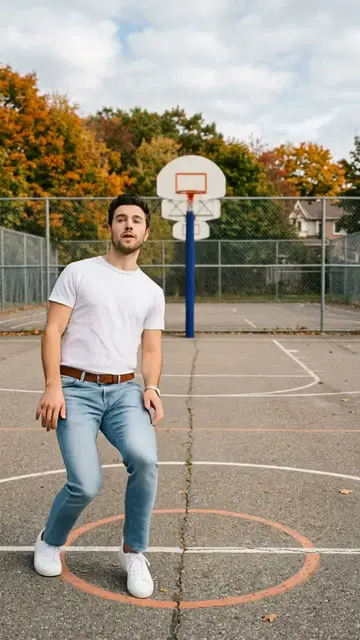 Keep On Steppin AI
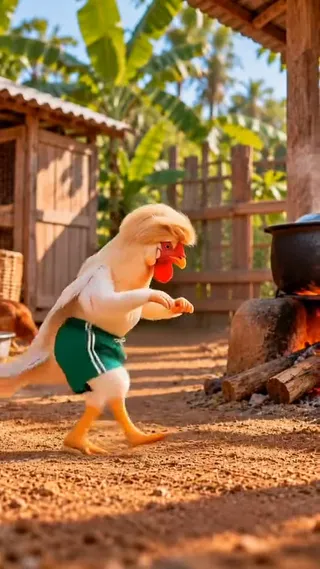 Chicken Dance AI
 Gender Swap Filter AI
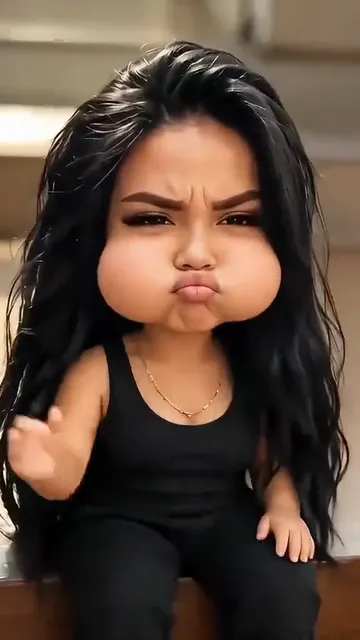 Mini Me AI
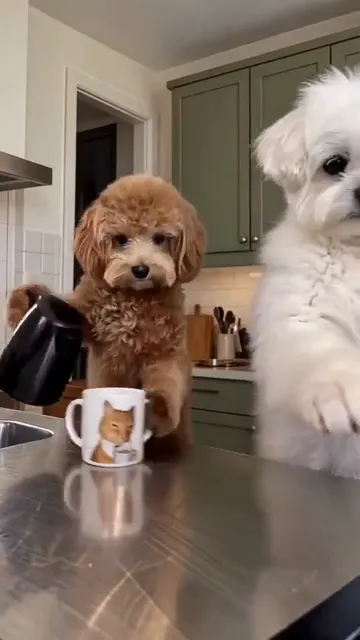 Dog Making Coffee AI
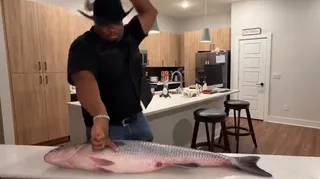 Fish Cutting Meme AI
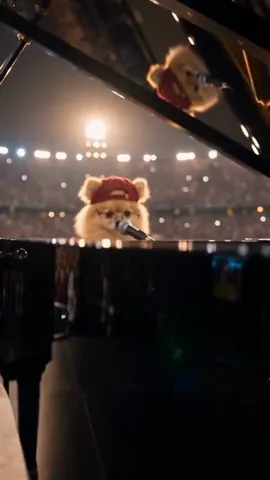 Dog Bohemian Rhapsody AI
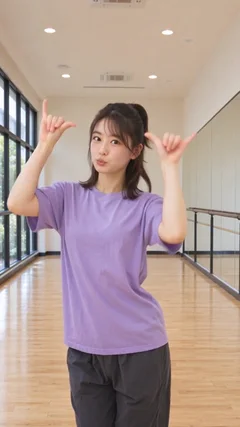 Mellojoy Dance AI
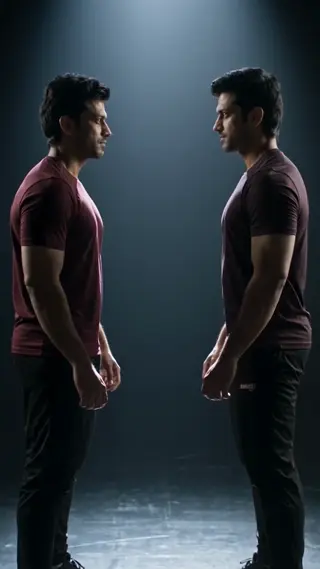 Your Next Opponent Is You
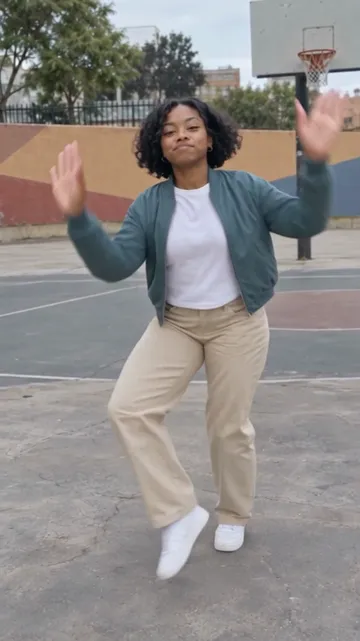 Juju On That Beat AI
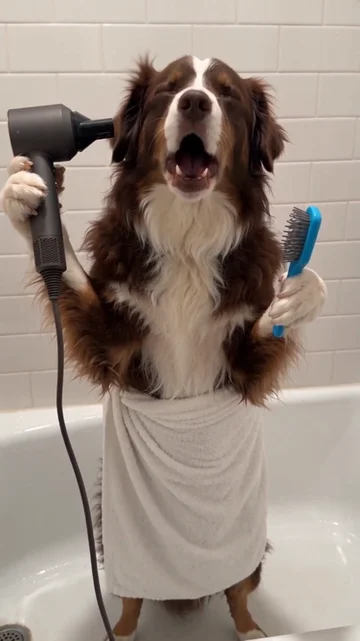 Singing Dog AI
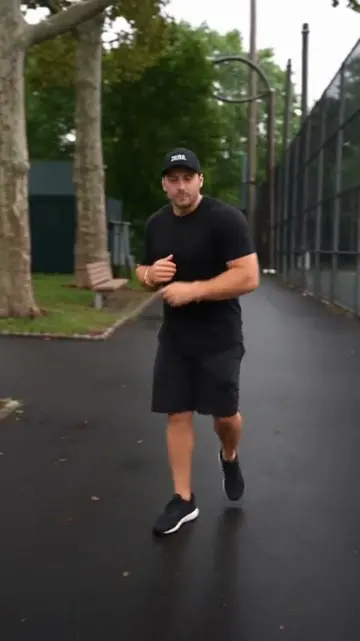 Fergie Baby AI
 Bécane AI
 Look Alive AI
 ILLIT Under Arrest Dance AI
 Ukwu Dance AI
 Iconic By Mistake Dance AI
 Twilight Baseball AI
 Then I Walk In AI
 I Hope He Buys You Flowers AI
 Smooth Criminal Dance AI
 Just a Little Bit AI
 I Just Beat The Case AI
 Lonyo AI
 AI Ceiling Fan Transition
 Buggin Dance AI
 Snatch Back Splash AI
 Christmas Dance Trend
 Ain’t No Mountain High Enough AI
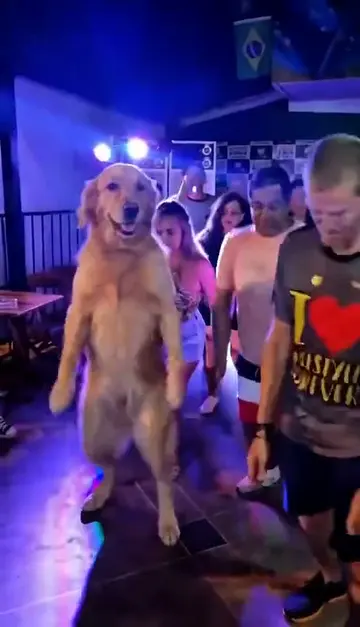 That's My Dawg AI
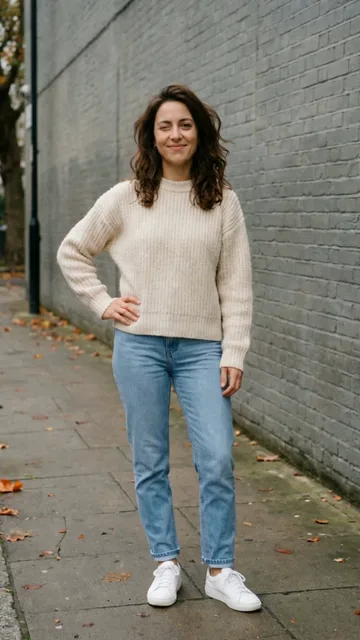 Mandem in Disguise AI
 Talk Dirty Dance AI
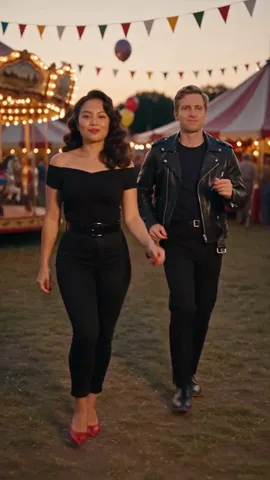 Grease Dance AI
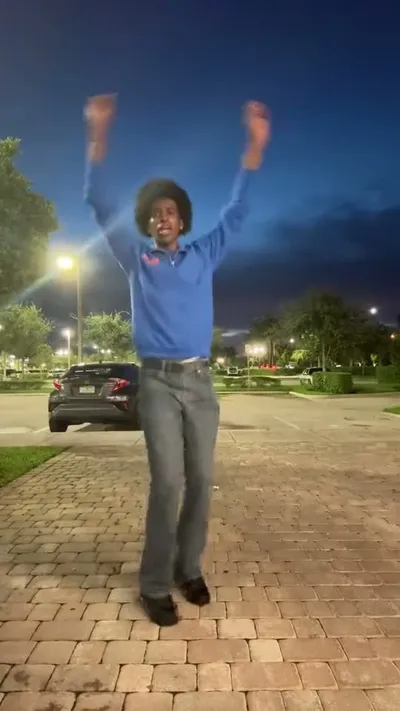 Pick It Up Dance AI Video Generator
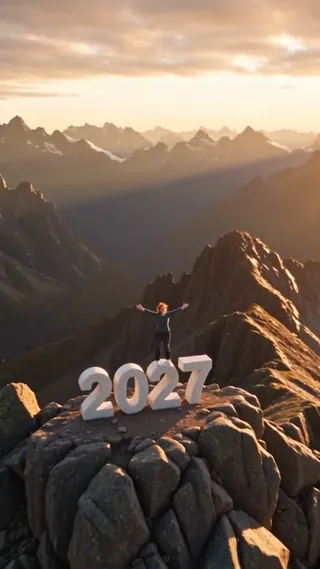 2027 New Year AI
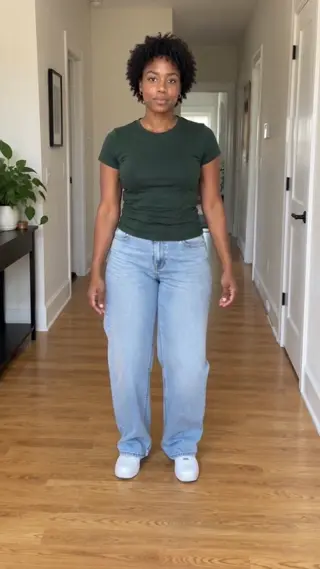 Camden Bop
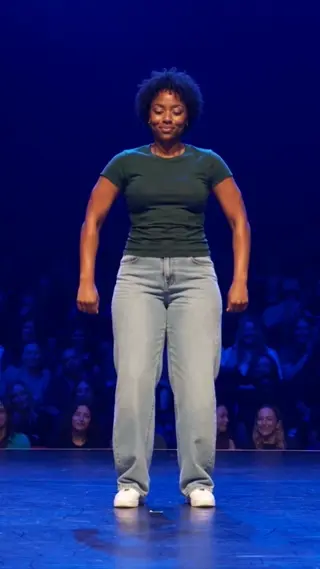 Jean Phil Gang Gang
 KATSEYE Animal AI
 AI Cartoon Couple
 Walk It Like I Talk It AI
 Kung Fu Cat AI
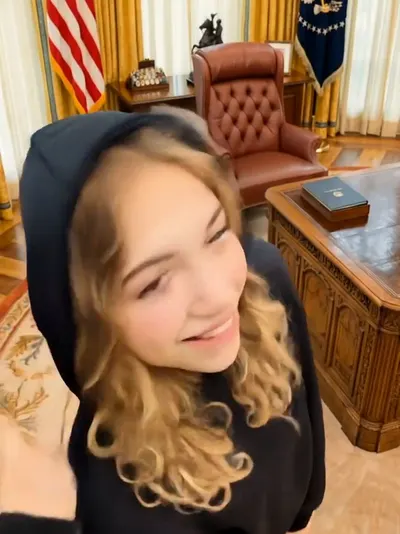 Not Cute Anymore AI
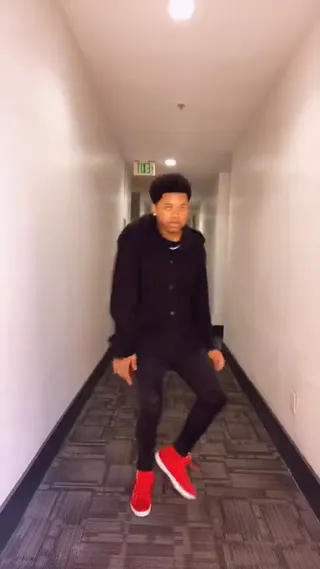 Toosie Slide AI
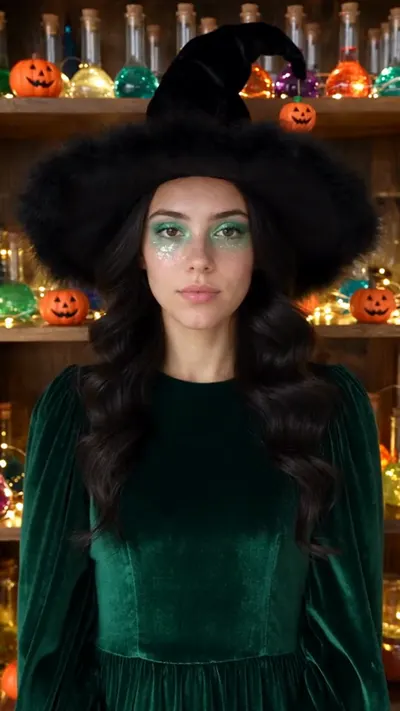 Potion Witch AI
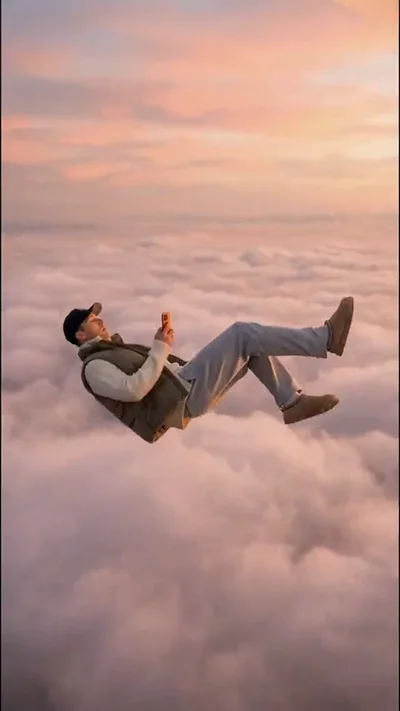 Skyfall AI
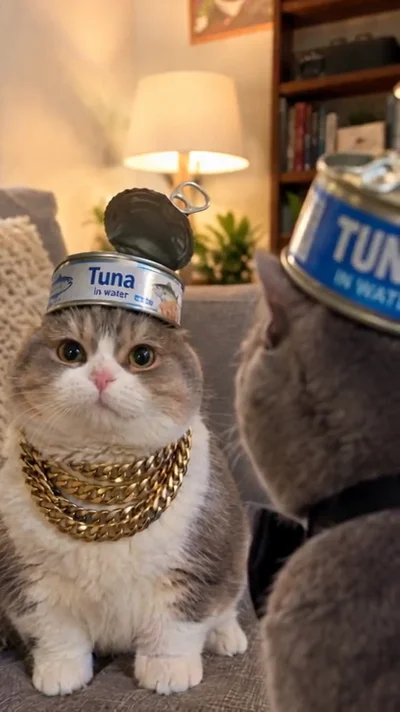 Deep Down In My Heart AI
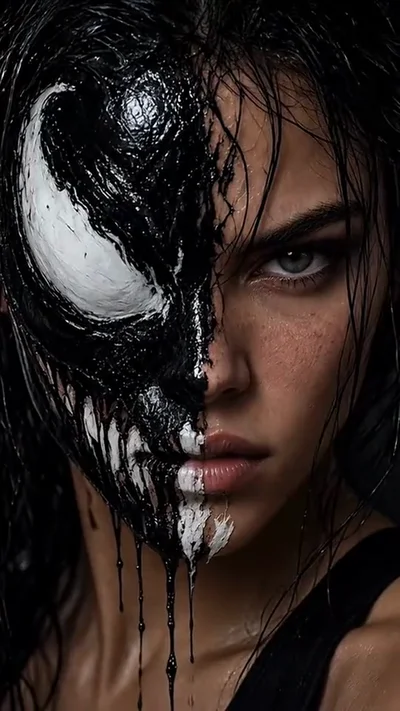 Venom Makeup AI
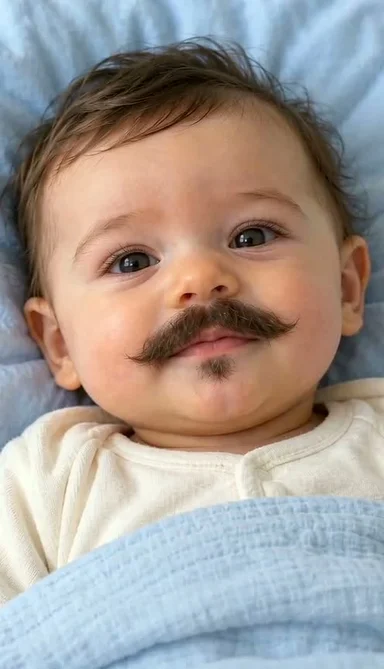 Baby With Mustache AI
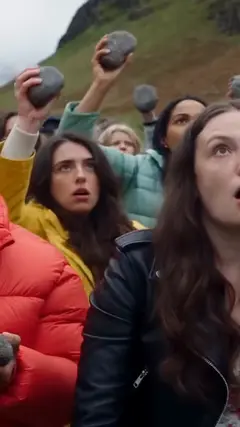 Stones to Castle AI
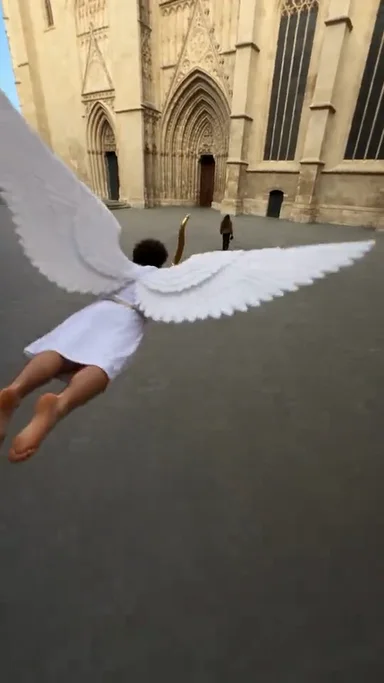 AI Cupid
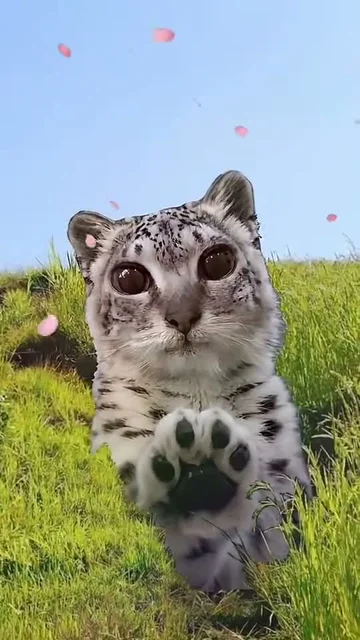 Snow Leopard Meme AI — Paws At You Video Generator
 Quiet on the Creek AI
 Chiikawa Dancing Nokia AI
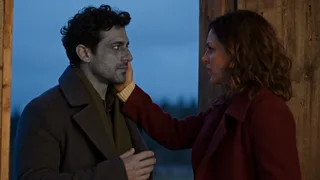 Zombie Couple
 Lush Life Dance AI
 AI Halloween Costume
 Closed on Sunday AI
 Thank You Baby AI
 Can Can Dance AI
 Tyla Dance AI
 I Got That Feeling AI
 Naruto Dance AI
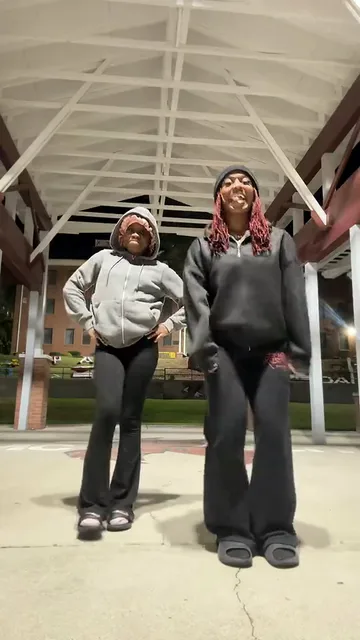 Puerto Rican Mami Dance AI
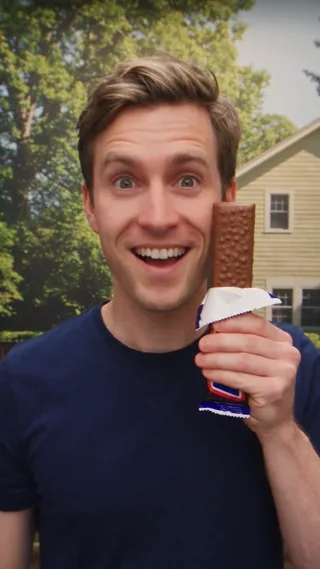 Nestle Crunch AI
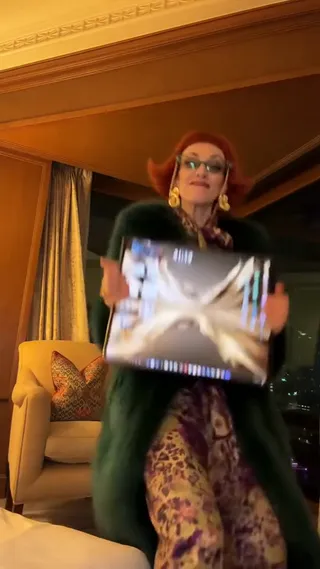 iPhone Kupi Dance AI
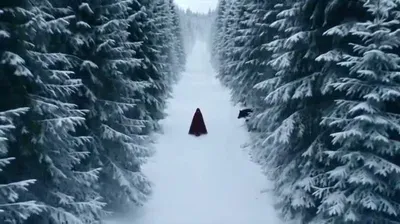 AI Red Riding Hood Video Generator
 Chipmunks Dance AI
 Hop Hop Hop AI Dance
 58th Floor AI
 Aserejé AI
 Vampire Duo Dance AI
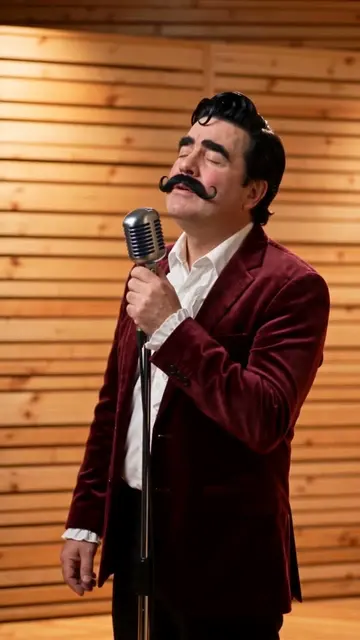 No Renunciaré AI
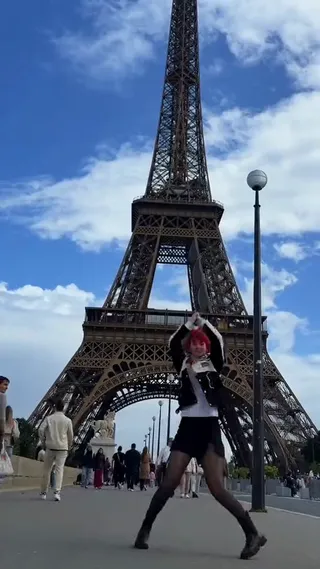 Rasputin Dance AI
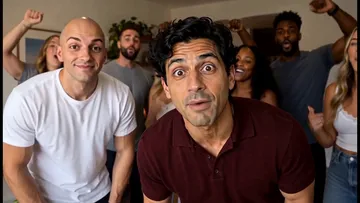 Check One Check Two AI
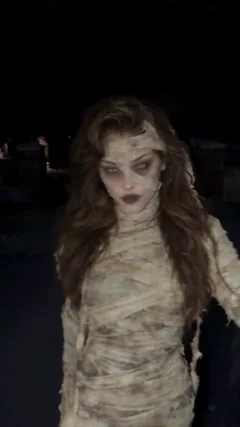 Mummy Zombie Dance AI
 Mom Dad Sister Brother AI
 Skull Cap AI
 Mabel Matiz Umrumdışı AI Video Generator
 Closing Door Prank AI
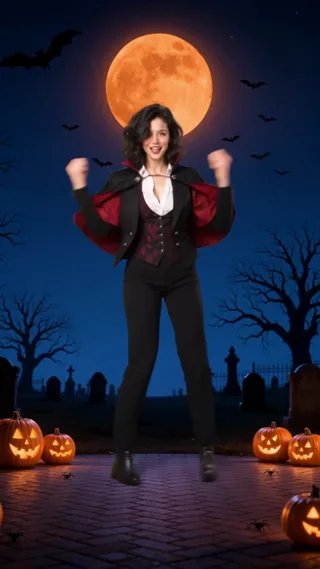 Spooky Scary Skeletons AI
 Ramalama AI
 I Put My Heart in This AI
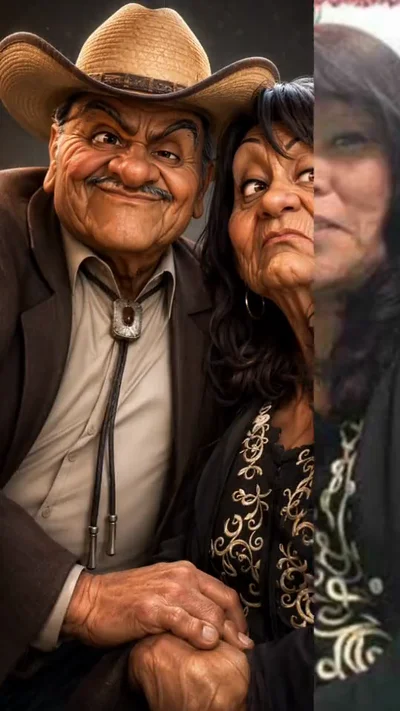 AI Caricature Trend
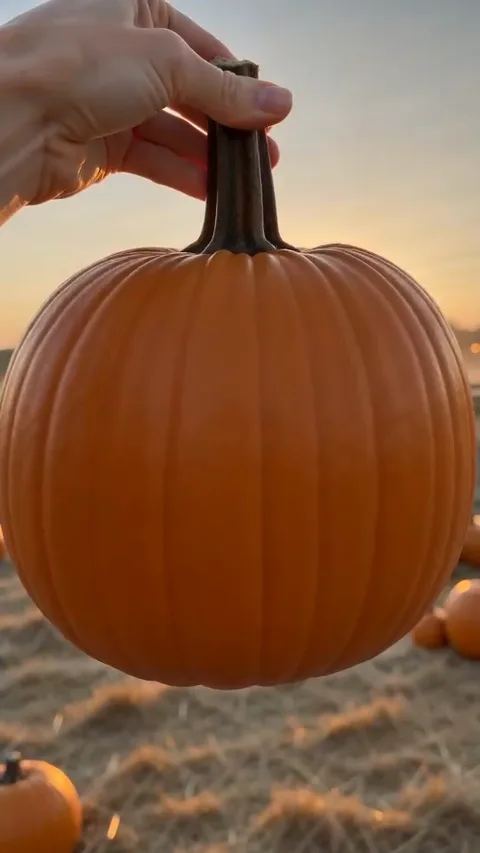 Pumpkin Head AI
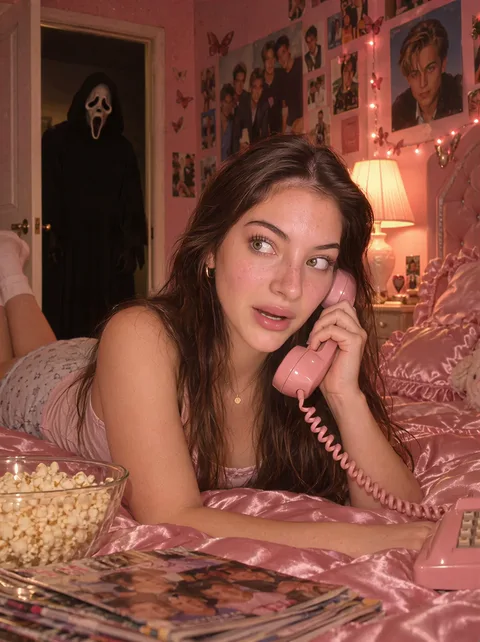 Ghostface AI Trend
 On The Radar AI
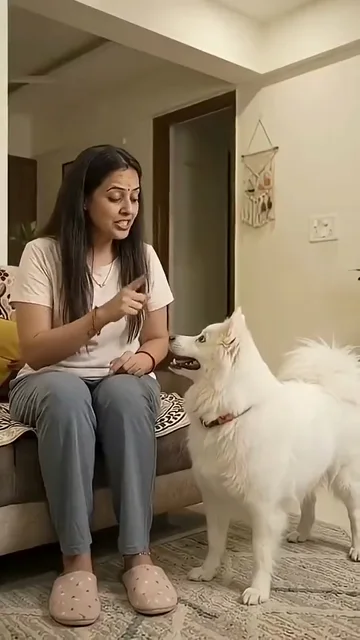 Cutedog AI
 Goodbye GTA 5 AI
 Thanksgiving Dance AI
 INI Present AI
 Jatayu Edit AI
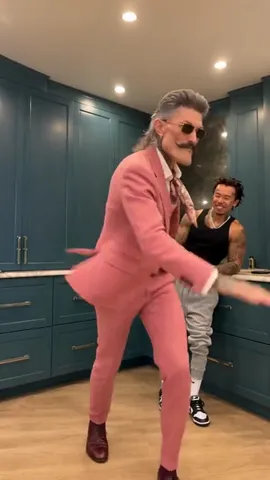 Wipe Me Down AI
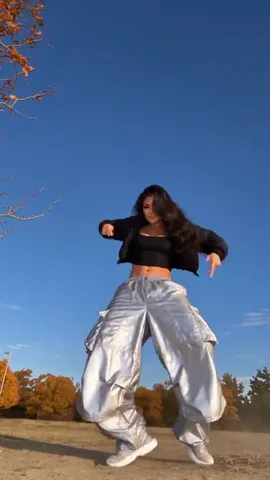 Kakalika Dance AI
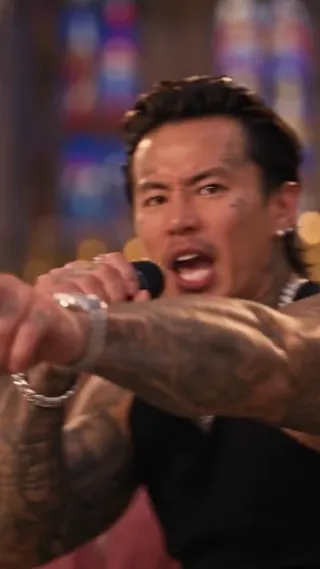 Gangsta’s Paradise AI
 Catch Santa at Your Tree AI
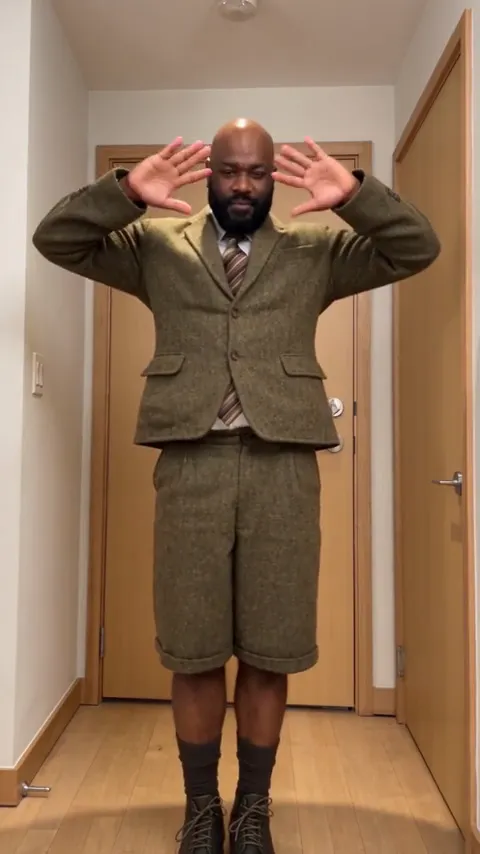 Girls’ Generation Gee AI Dance
 Give It All AI
 Broke Boyfriend Hug AI
 Mexico Pterodactyl AI
 Never Let Her Pay AI
 What If You Fly AI
 Talk To Me Doja AI
 Oh My Carne Asada AI
 Can I Help You Miss AI
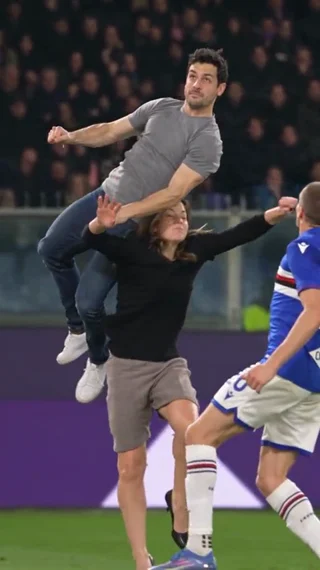 Ronaldo Header AI
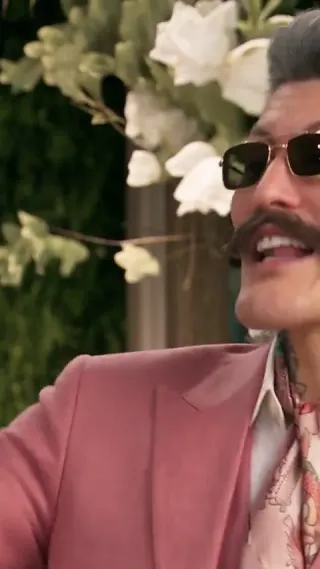 Mews House London AI
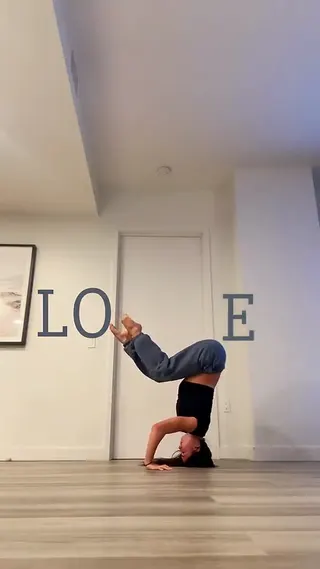 Love Handstand AI
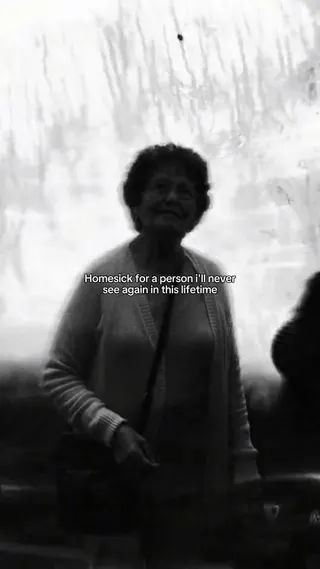 Homesick for a Person AI
 Boom Clap Confetti AI
 Huss Huss Huss Dance AI
 Cow Makeup AI
Paid credits required. Check the cost before generating.
What happens in this video?
Two people sit across a dim restaurant table. One goes from laughing to standing up and crying, while their date tries to calm them down. This version focuses on the final 15-second part of that comic breakdown, with separate photos for the emotional lead and the seated date.
Your photos and the prepared scene
The movement and camera sequence are prepared for you. Your photos define the featured identities; the reference guides action order, expressions, framing and camera timing. Add optional instructions for clothing, light or location. You do not need to upload a reference video.
Create my video
- 01
Add your photos
Upload the photos described above in the correct order. Keep every face sharp and unobstructed.
- 02
Personalize the scene
Keep the prepared scene or add a short instruction about clothing, lighting or setting. Review the selected settings.
- 03
Generate and download
Check the credit cost, generate, then inspect faces, hands and transitions before downloading. New generations and revisions use credits.
Choose the matching effect
This is a specific two-person restaurant scene, not a general crying filter. It preserves the contrast between a standing emotional lead and a seated, startled companion. The long competitor preview has been shortened for this version.
Make it your way
The template is built in. Use the ready-made scene, or add a short instruction to make it yours.
2K is available on eligible plans and uses more credits than 768p.
Questions about this effect
Which photos should I upload?
Upload two separate adult photos. Photo 1 is the person who stands and cries; photo 2 is the date who stays seated. Keep each face clear and avoid two crops of the same person. The preview uses animals, but this workbench is configured for two adults.
Do I need to upload a reference video?
The movement and camera sequence are prepared for you. Your photos define the featured identities; the reference guides action order, expressions, framing and camera timing. Add optional instructions for clothing, light or location. You do not need to upload a reference video.
Does the video include sound?
When sound is enabled, the matching prepared excerpt is restored after video generation. Request silence to omit it. The workbench does not create a new song or promise exact lip sync.
How long is the video?
One vertical 9:16 MP4, about 15 seconds long. Individual movements and facial consistency can vary.
Can I change the scene or outfit?
Yes. Add a short styling or setting request while retaining the assigned roles and main action sequence. Review the result for unintended changes.
Create my video
Upload the photos described above in the correct order. Keep every face sharp and unobstructed.
Create my video